The hard part of a group birthday video is not the editing. It is getting sixty years of photographs out of eight people’s phones, three albums and a shoebox, with enough information to put them in order. This is how to ask, how to scan, and how to date what comes back.
Ask people directly, one at a time
A message to a group chat gets three replies. A personal message — “you are the only person with photos of the Perth years” — gets the photos. Tell each person what you would like from them, by when, and send the invitation link. In Videmory Birthday they open the link, type their name, and add their photographs, clips and message from their own phone or computer. There is nothing to install and no account to create, which matters for the relatives who will not download an app.
Ask for originals, not forwarded copies
A photograph that has been through a messaging app is a smaller copy with the date stripped out. Ask people to add photos and videos from their phone’s own library, which sends the original file with the date it was taken still inside it. Videmory reads that date and puts the memory in its place without anyone typing anything.
Scanning old photographs
You do not need a scanner. Put the print on a plain surface in daylight, hold the phone directly above it so the whole print is in frame, and make sure your own shadow is not across it. Take it once, check it is sharp, move on. If you do have a flatbed scanner, 300 dots per inch is plenty for a film. Keep the border if the print has one — it is often where the processing date is printed — and photograph the back if somebody has written on it.
Do the scanning in one sitting with the person who knows the photographs. Ask who is in each picture and roughly when it was, and write the answers down as you go. That afternoon is where the dates come from, and it is also where the stories come from; you may find you have collected half the messages as well.
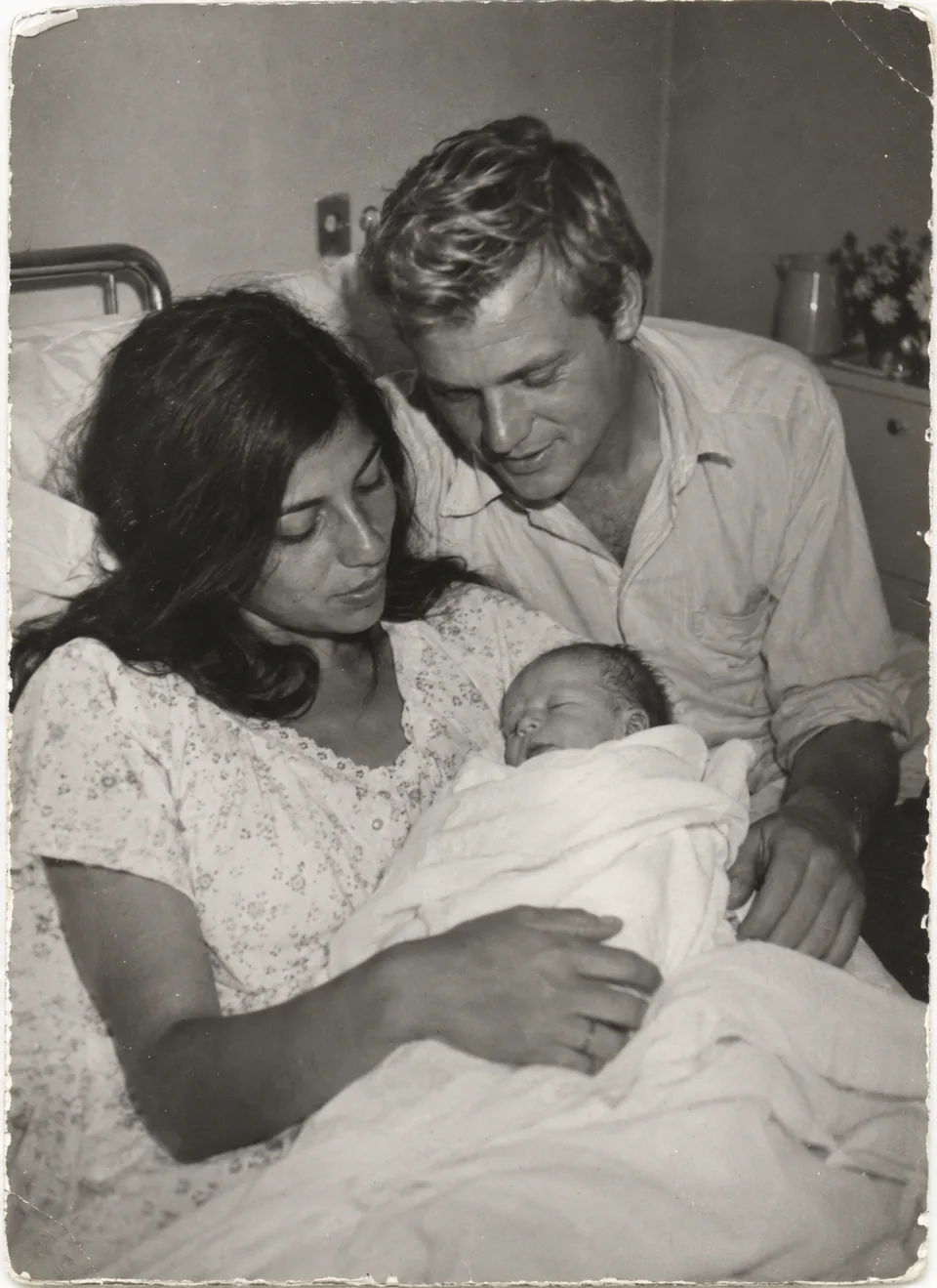
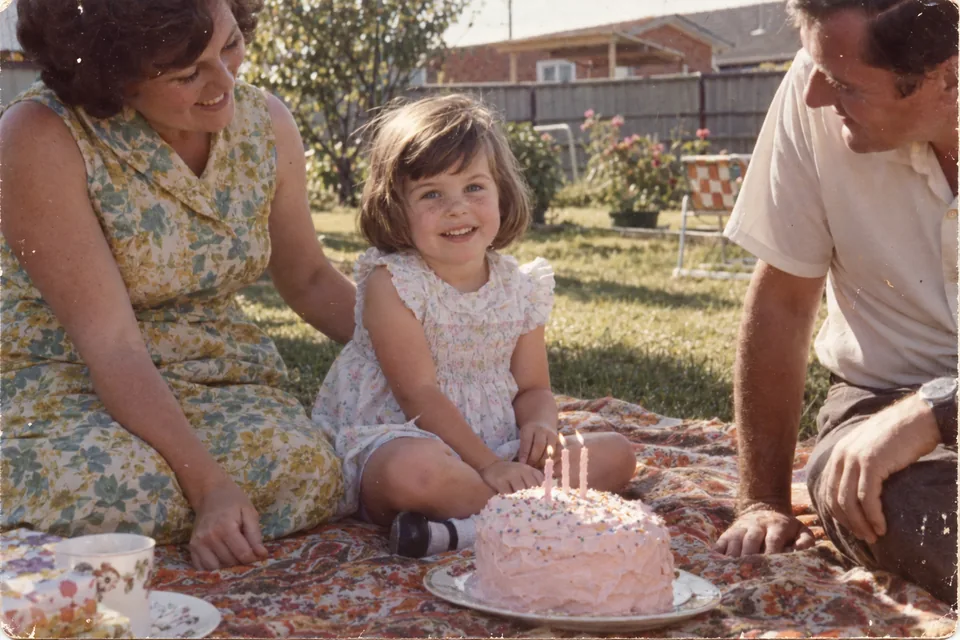
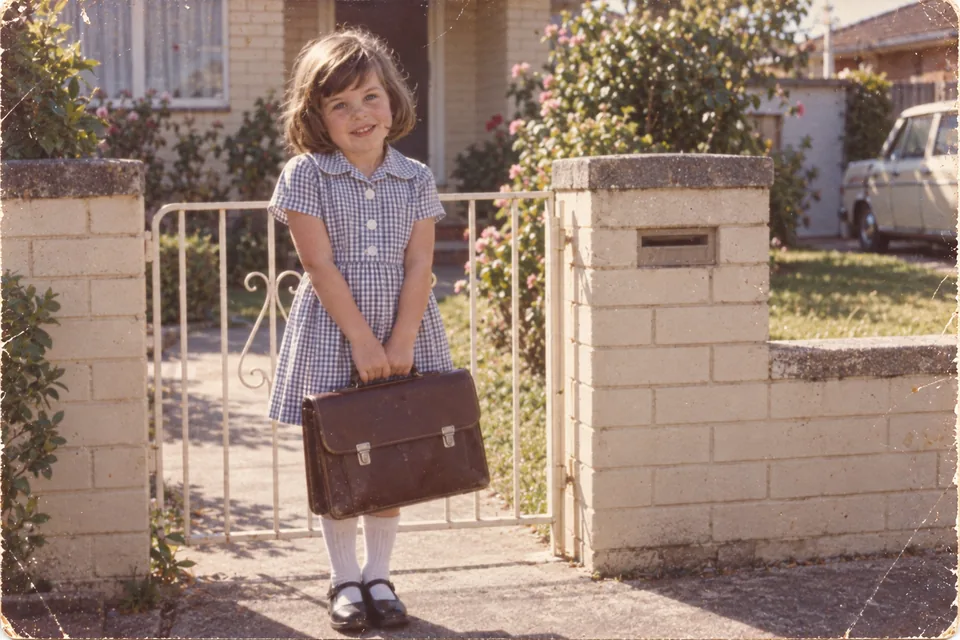
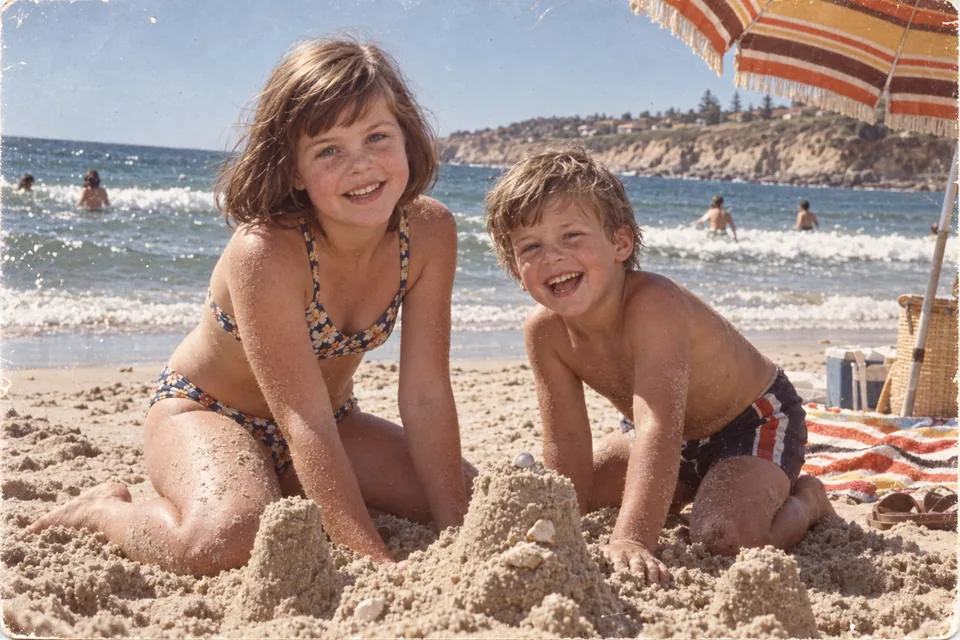
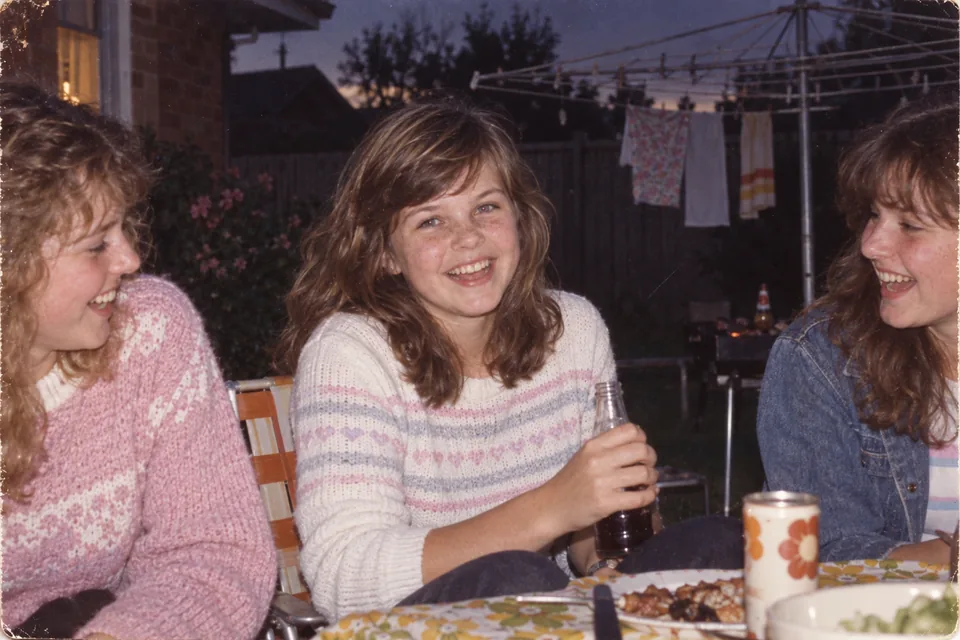
Prints from four different decades, each placed by its year. These photographs are an illustrative collection made for this page — one life from 1966 to 2026. They are not a customer’s photographs.
Dating mixed-year photographs
A scanned photograph carries the date it was scanned, and Videmory knows not to trust that as the date of the memory. What it needs from you is one of five things, whichever you know:
- The exact day, if it was a wedding or a birthday.
- The year, approximately.
- The decade — “the 1980s” is enough to place a picture.
- The person’s age in the picture — “about 7”.
- An age range — “in their twenties”.
The organiser adds these in the gallery, and a contributor can add them as they upload. A label from the organiser wins over one from a contributor, and either wins over what the file says. Anything nobody can date plays at the end of the film, after the life story, rather than being dropped.
This is the one part worth doing on a computer. The life story lays out across a large screen, so a run of undated scans is a few minutes’ work rather than a lot of scrolling. The same birthday opens on any device: type the join code, choose “I am the organiser” and enter your PIN, and the collection everyone has been adding to from their phones is there. Not that there is much to do — Videmory dates most of it itself.
Put the year in the file name, and Videmory will ask
The quickest way to date a box of scans is to name the files as you go. Videmory reads a year, a decade or an age that somebody put in a file name on purpose, and offers it as a suggestion for the organiser to accept. Any of these work:
1985 - Nan’s kitchen.jpg— a year at the front, then a word.Around 1985 - Beach.jpgorCirca 1970.jpg— an approximate year.1980s - School.jpg— a decade, which is enough to place it.Age 27 - First flat.jpgorAge 10-12 - Camping.jpg— an age, or a span of ages.
Whatever is left once the date is taken out — “Nan’s kitchen”, “First flat” — is offered as the caption for that memory. Not every file needs a caption; the ones that get one should say what a stranger would not know from the picture.
Folders count too. Adding a whole folder from a computer with “Add a whole folder” dates everything inside it by the folder’s name, so a folder called Around 1985 settles thirty scans at once. Video files are read the same way as photographs: 1994 - Jack’s first steps.mov is dated and captioned like any print.
Names a camera or an app wrote — IMG_1985, PXL_20240612…, WhatsApp Image… — are ignored on purpose; the 1985 in IMG_1985 is a counter, not a year, and Videmory will not guess. Nothing found in a name goes into the film unasked: the organiser sees each suggestion and accepts or dismisses it, and a year typed in the gallery always wins over one read from a name.
Collecting video clips
Old camcorder tapes and DVDs are worth the trouble of getting transferred, but start with what is already on phones: the speech at the last birthday, the grandchild on their shoulders, the dance in the kitchen. A clip plays as it was filmed, so ask for the original file and ask people to choose the good ten seconds rather than sending the whole three minutes. If the clip was filmed on its side, Videmory turns it the right way up.
Collecting messages
Ask each person for one memory, a thank-you and a wish, short and sweet — forty-five seconds at the most. Ask them to say roughly when the memory happened: a message with a date plays at that point in the film, beside the photographs of the same moment, and the speaker’s voice carries on over what follows. The message guide has prompts for people who do not know what to say.
Keeping it private
Only people with the invitation link can join. Each contributor sees only what they added; the organiser sees everything and is the only person who receives the film. The organiser can close the invitation at any time, and can delete the whole birthday, which permanently erases every photograph, video, message and film for everybody.
Your questions, answered
Can people send photos through WhatsApp or Messenger instead?
They can, but messaging apps shrink photographs and videos and strip the date they were taken, so what arrives is a smaller copy with the wrong date. Ask people to add their files through the invitation link from their own phone’s photo library, which sends the original.
What if nobody knows the year a photo was taken?
Give it a decade or a rough age — “the 1980s”, “about 25” — and Videmory places it in the story by that. If nobody can say anything at all, the photograph still plays, at the end of the film after the dated memories, rather than being left out.
Do contributors see each other’s photos?
No. Each contributor sees only what they added themselves. The organiser sees everything, and is the only person who receives the film. Only people with the invitation link can join, and the link stops working after ninety days or sooner if the organiser turns it off.
How should I send old prints if I do not have a scanner?
Photograph them with your phone in daylight, straight on, with the whole print in frame and no shadow from the phone. A phone photograph of a print is good enough for a film. Then add the year from the back of the print or from what the family remembers.