A QR photo gallery
Every guest’s photos in one feed, and a zip file at the end.
What is left to you: The night is still a pile of files. Somebody has to make something of it.
Videmory Party · Coming soon
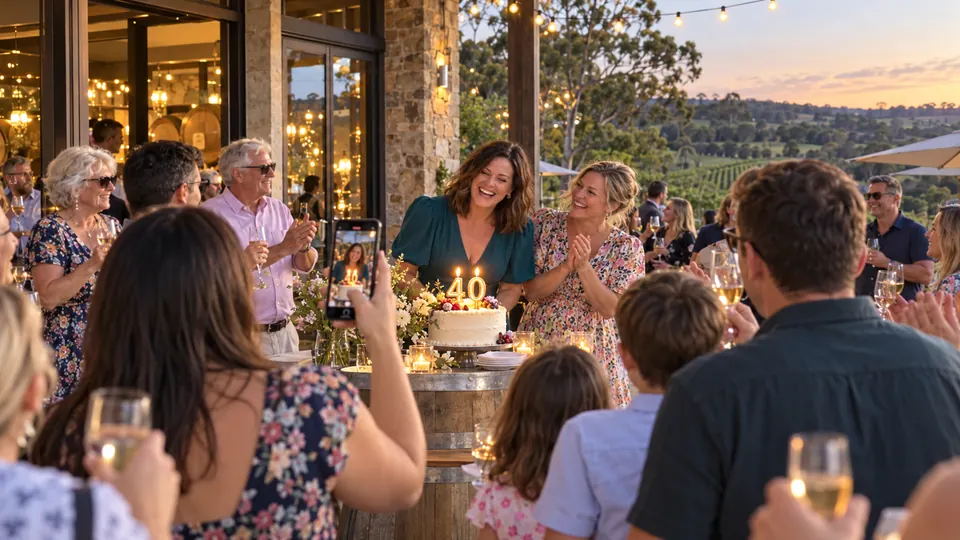
The speeches, the singing, the cake, the dance floor — spread across forty phones by midnight. Put one QR code on the tables. Guests add their photos and clips with no app and no account, and Videmory turns the night into a finished party film, in the order it happened, with its real sound.
Videmory Party is coming soon. Birthdays, engagements, farewells, reunions · Nothing to install · Watch it before you pay

The usual options, and what each leaves you
Every guest’s photos in one feed, and a zip file at the end.
What is left to you: The night is still a pile of files. Somebody has to make something of it.
Guests shoot through an app, and the photos reveal the next day.
What is left to you: An app for the guests, a cap on shots, and no film.
A vertical clip of a couple of minutes, cut to a song.
What is left to you: The speeches are under the music, and the order is whatever the edit decided.
Videmory Party is a QR code on the tables and no app, a Full Party Film and a Highlight in the order the night happened, with the real sound, and the whole film to watch before you pay. Made in Adelaide.

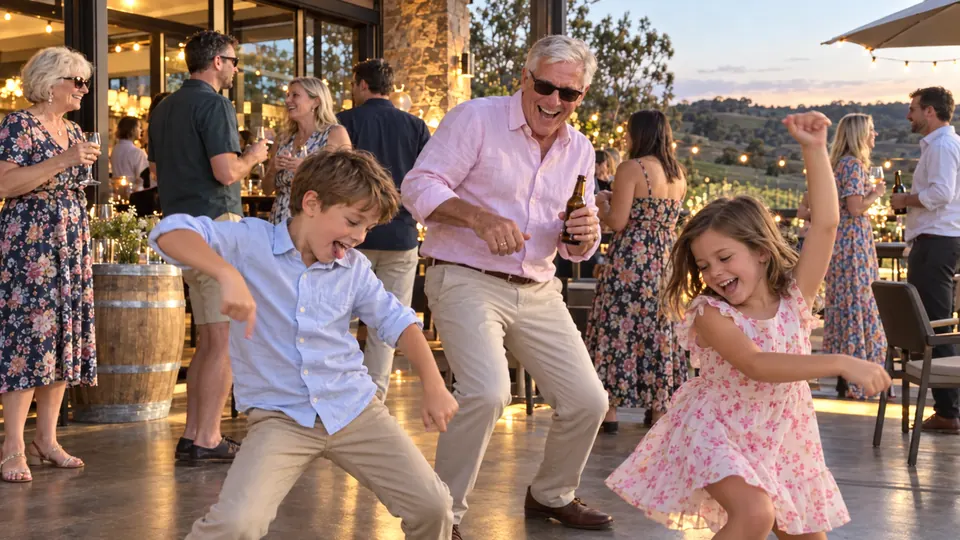
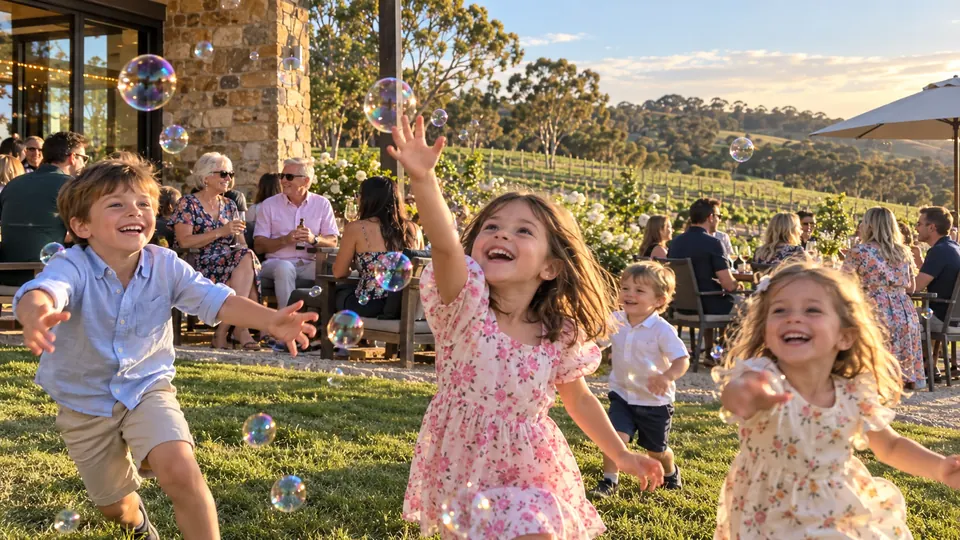
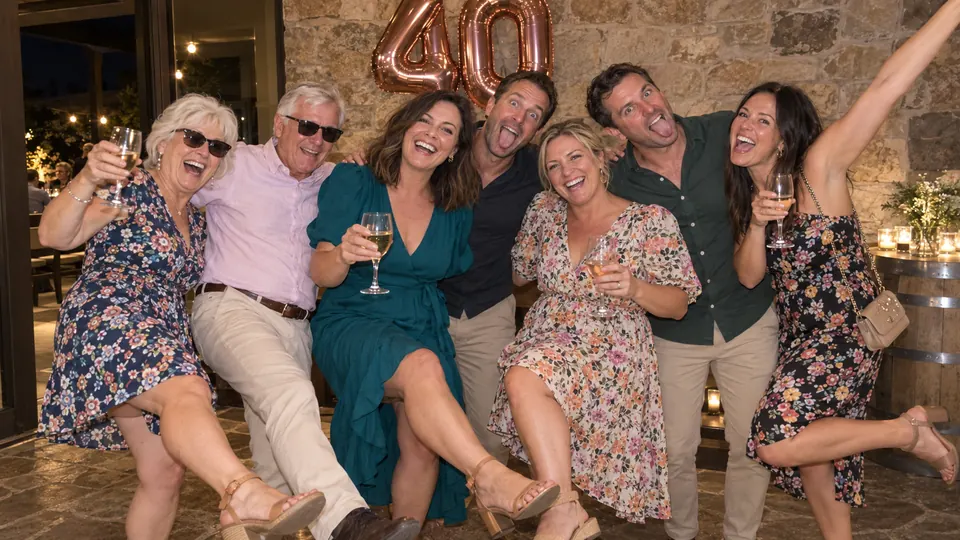
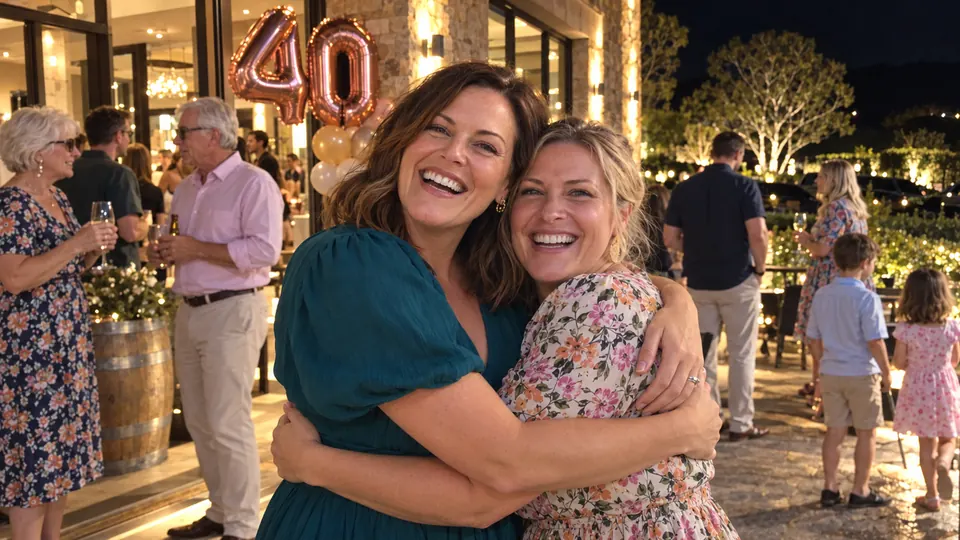
The morning after
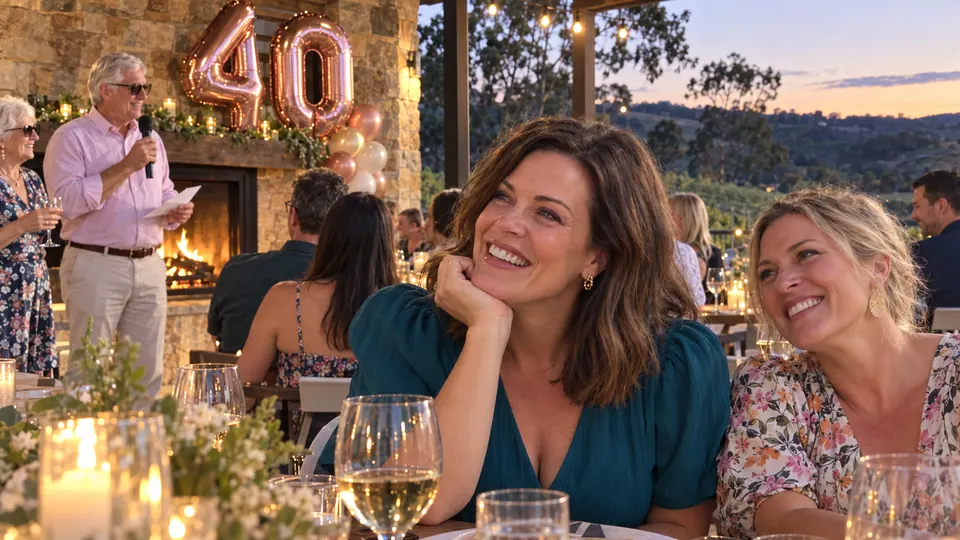
You were busy hosting. Your cousin got the speech, a friend got the candles from the other side of the table, and the dance floor is in thirty short clips nobody will ever send you.
A shared album gives you a pile of files to scroll. A slideshow app still needs somebody to sort it, trim it and set it to music. Videmory collects it all from the guests, puts it in order and does the edit, so what you end up with is a film you can actually watch together.
How it works
Name the occasion, the date and whose party it is. You get a private link and a QR code to print for the tables.
They scan, type their name and add photos and clips from their camera roll — on the night, the next day or the next week.
The night is put back in the order it happened and cut into a Full Party Film and a shorter Highlight, with the real sound of the big moments.
You watch the finished film before paying anything, and leave out whatever you would rather was not in it.
Two films from one night
The longer film: arrivals to the last song, in order, with room for the speeches, the toasts and the singing to play out with their own sound.
The short one to share, cut from the same collection and kept in the same order. You choose its length.
What goes in
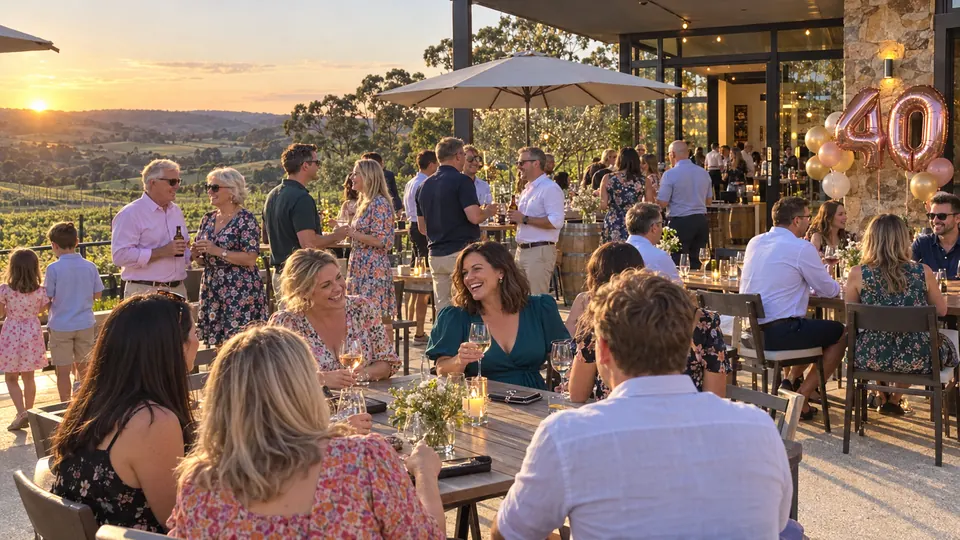
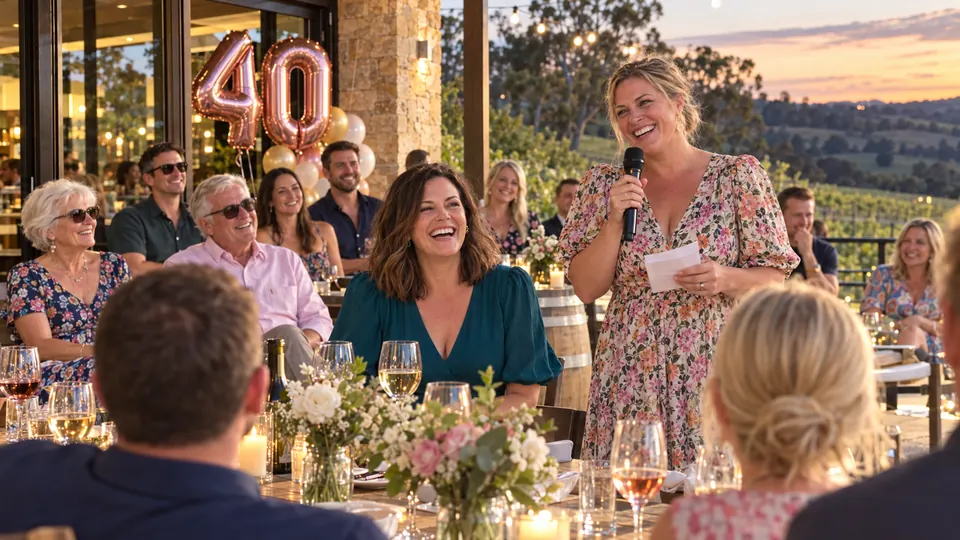
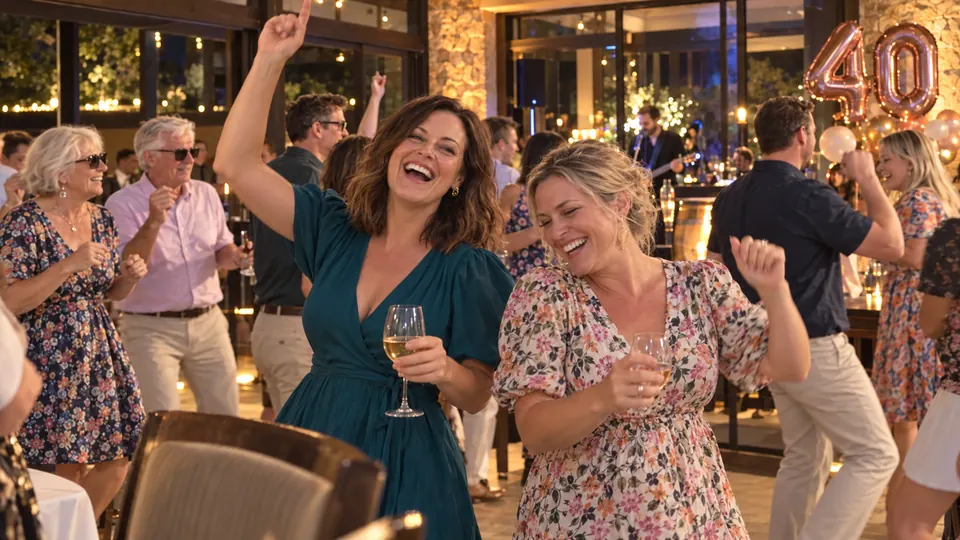
Arrivals and the first drinks. The speech that went on a bit. Everyone singing. The cake, the toast or whatever your crowd does instead. The dance floor, and the photo nobody can explain.
Sections keep it organised, so guests do not have to label anything. The cake and the candles are there for a birthday and simply do not appear for a farewell.
These are examples of what guests usually capture, not a promise of what yours will have filmed.
On the night
And ask whoever is on the microphone to mention it once. That is usually enough.
Two or three willing guests filming short, steady clips of the big moments beats everyone filming everything.
Sound is the hardest thing to fix afterwards. Whoever is nearest the speaker should film the speech.
Questions
A film of one celebration, made from the photos and videos your guests took on the night. Everyone adds theirs through one private link or a QR code, Videmory puts the night back in the order it happened, and it edits a longer Full Party Film and a shorter Highlight from the same collection. Videmory Party is coming soon.
Any one-off celebration: a 21st, 30th or 50th, an engagement party, a farewell, a graduation, a reunion, a baby shower, an anniversary dinner. Birthday moments like the cake and the candles are there if your party has them, and nothing assumes it does. For a film of somebody's whole life rather than one night, see Birthday films.
No. Guests scan the QR code or open the link on their own phone, type their name and add photos and videos. Nothing to install and no account to make. Each guest sees what they added; you, as the host, see everything.
Yes. The link keeps working after the night, so the photos people only find the next morning, or the clips that were sitting in a group chat, can still go in.
The Full Party Film is the longer one: the night in order, with room for the speeches, the singing and the dance floor. The Highlight is the short one to share, cut from the same collection and kept in the same order. You choose how long the Highlight is.
That is what the film is built around. The speeches, the toasts, everyone singing and the cheering are played with their own sound, and the music sits underneath or steps aside. A clip filmed from the back of a loud room will still sound like one, so ask whoever is nearest to film the speeches.
No, but a few willing people filming the big moments helps: arrivals, speeches, the cake or the toast, the first songs on the dance floor. Put the QR code on the tables and ask whoever is on the microphone to mention it once.
Yes. You see the whole collection before the film is made and you can leave out anything you would rather was not in it.
Party pricing has not been set. As with every Videmory film, the plan is that you watch the film in full before you decide to pay for it. Ask below and we will tell you as soon as it is decided.
Videmory Party is coming soon. Send an enquiry with the date of your party and a person will write back to you.
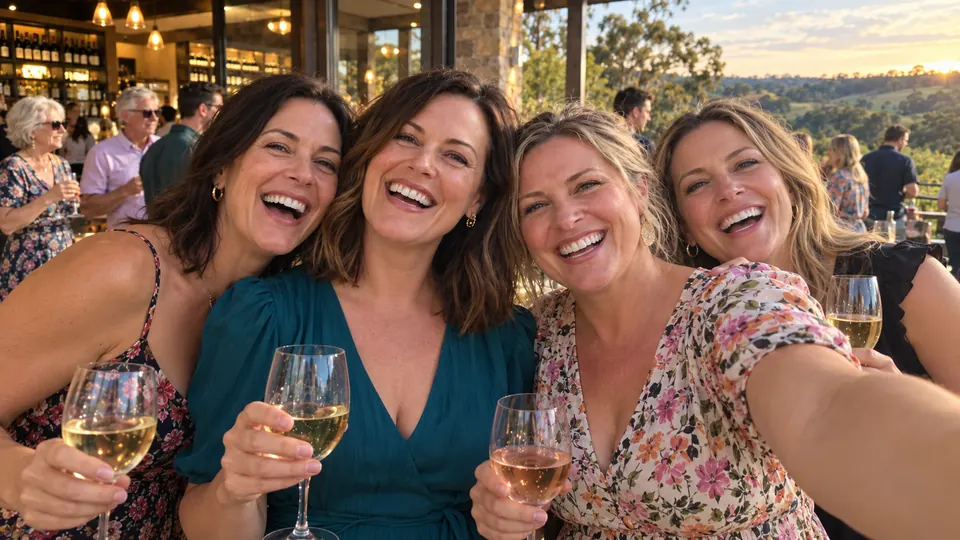
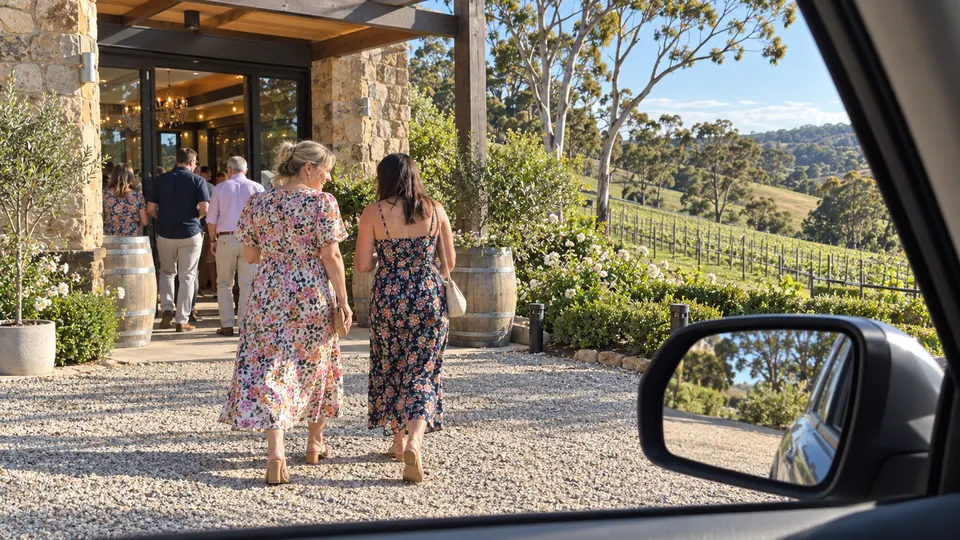
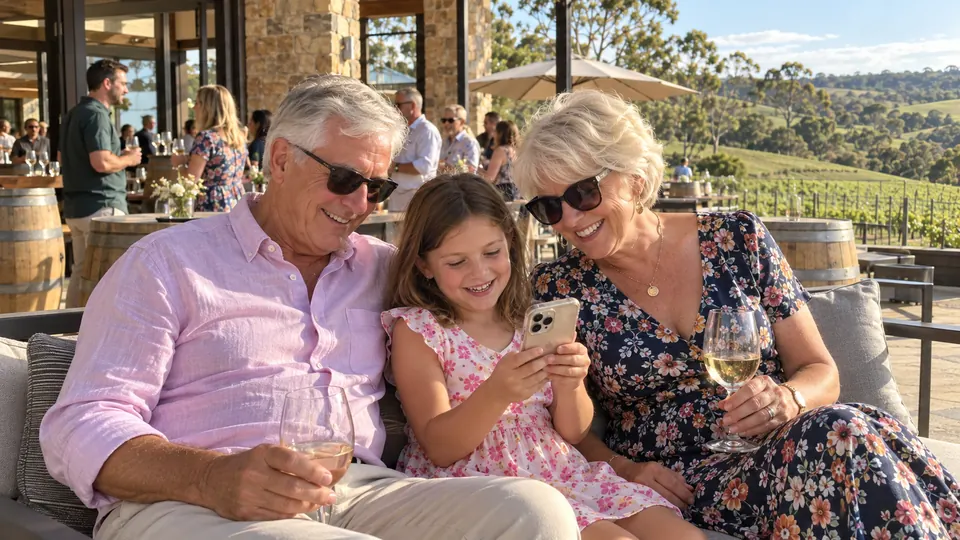
These photographs are a fictional example generated for this page: an invented 40th birthday at an Adelaide Hills winery. They are not real guests, and not a customer’s photographs.
Before it opens
Videmory Party is coming soon. Tell us what you are celebrating and when, and a person will write back to you — including whether you can use it for your date.
Questions about Travel, Birthday or Tribute films? Contact and support.