A group video gift
Thirty video messages, one after another, in the order you drag them into.
What is left to you: The photographs are filler, and their life is not in it.
Videmory Birthday · Their life so far, in one film
The old prints. The clip nobody has watched in years. A message from the friend who couldn’t fly over. Everyone adds theirs to the same birthday, and Videmory turns it into a film of their life so far — in the order it happened, with their people’s voices in it.
Photos, video & messages from friends and family · No editing · Nothing to install · Watch it all before you pay · Opens the Birthday test app
The usual options, and what each leaves you
Thirty video messages, one after another, in the order you drag them into.
What is left to you: The photographs are filler, and their life is not in it.
A template, a track, and a watermark unless you subscribe.
What is left to you: You chase the photos, scan the prints and build the timeline yourself.
A proper edit, once you have gathered and uploaded everything and waited for the quote.
What is left to you: Priced in the thousands, or not on the page at all.
Videmory Birthday gathers photos, clips and messages from everyone through one link, makes a film of their life in the order it happened, and lets you watch all of it before you pay AU$49. Made in Adelaide, priced in Australian dollars.
Made a Birthday film with us?
A few words about your birthday film help the next person decide. A person reads every one, and nothing goes on the site unless you say it may.
A finished birthday film
A finished Videmory Birthday film, exactly as the app delivers it: sixty years of photographs, video and recorded messages, in the order they happened — undated scans and phone pictures included.
Happy 60th, Sarah. A real Videmory film of an illustrative life: the photographs, video and messages in it were made for this sample, and Videmory cut them exactly as it would cut yours.
Before you start
That is the real work of a birthday video, and it is the part every editing tool leaves to you: chasing relatives, opening the albums, working out which year is which, then dragging four hundred files into a timeline.
Videmory takes both halves. One link gathers everything from everyone, and the film is built from the dates in the files plus the years you fill in. You review a gallery, not a timeline.
1966 to 2026
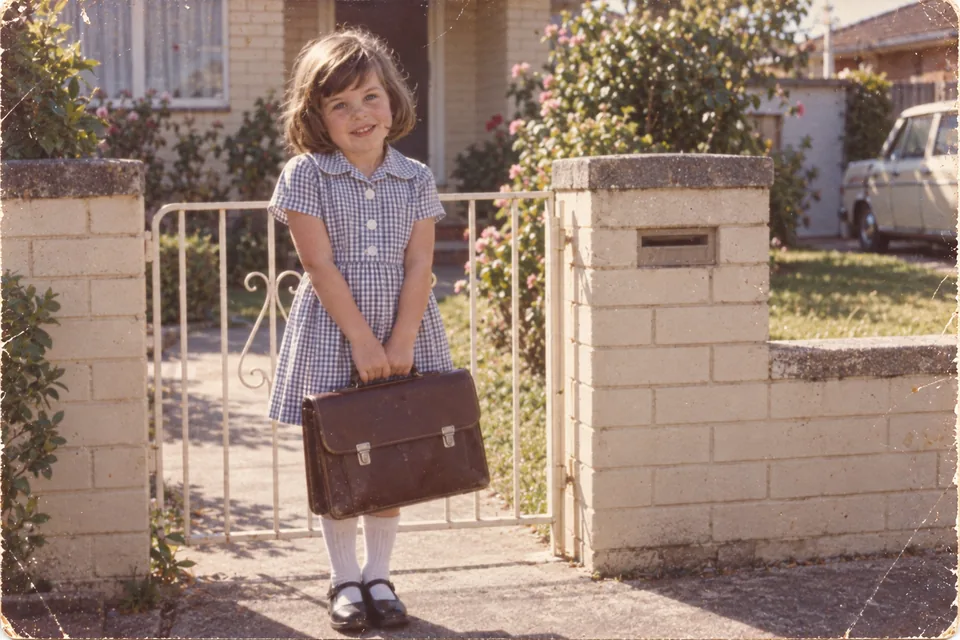
Every photograph takes its place from the date in the file, or from the year, decade or age somebody types. Nothing is dropped for having no date — undated memories play at the end, after the life story. Below, an illustrative collection of one life, at about the pace a photograph gets in the finished film.
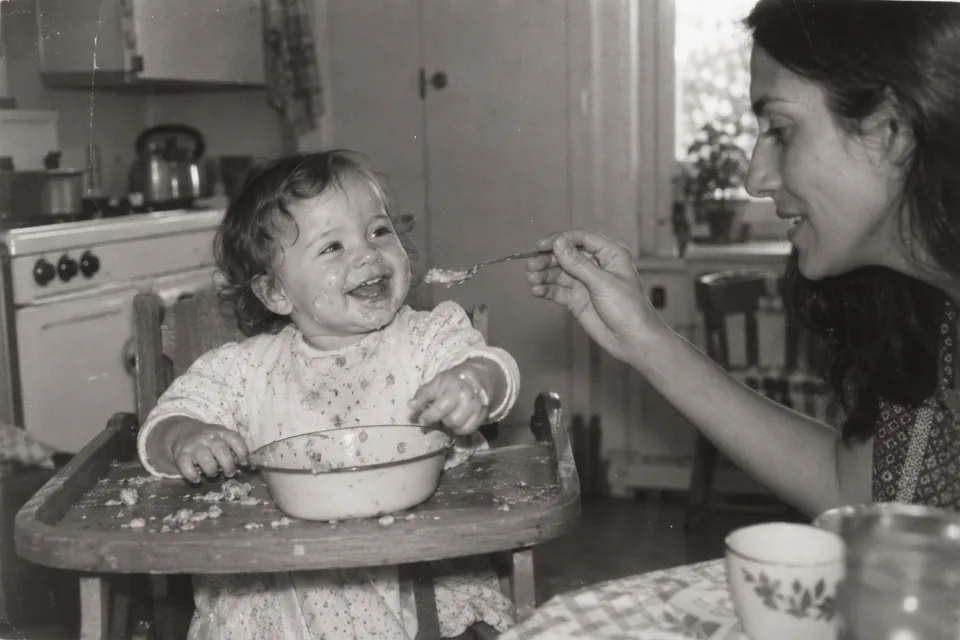
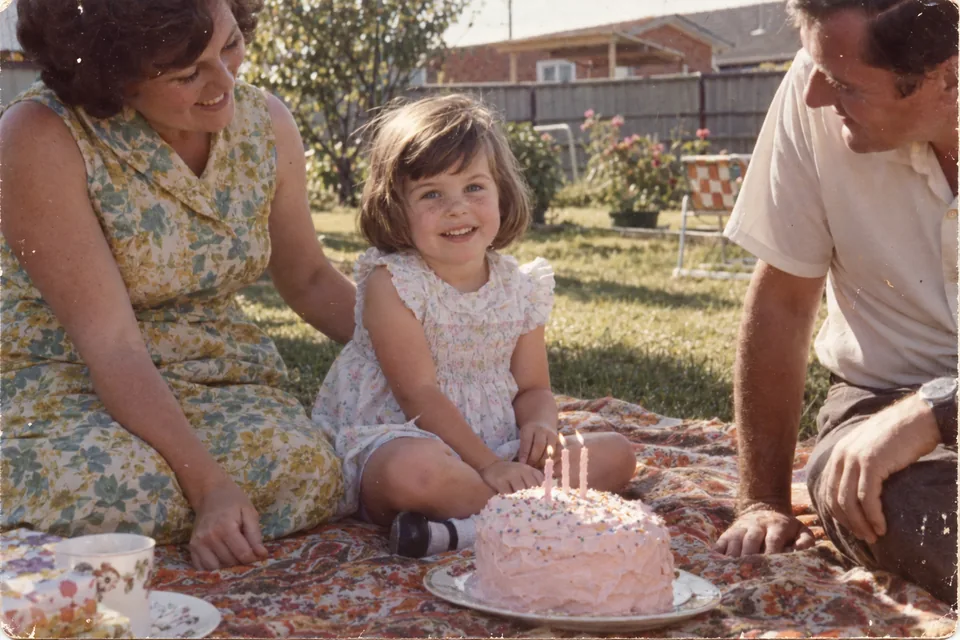
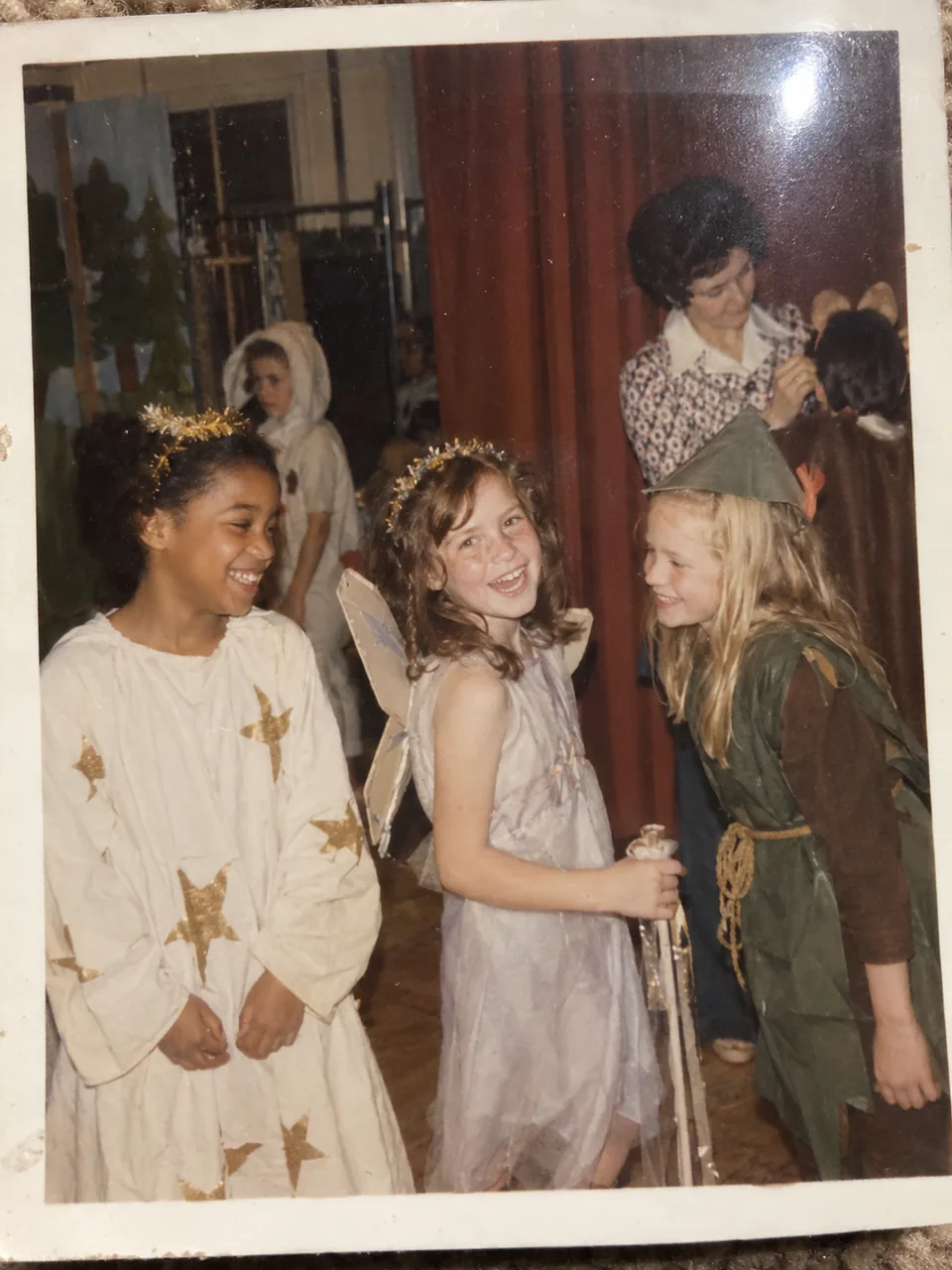
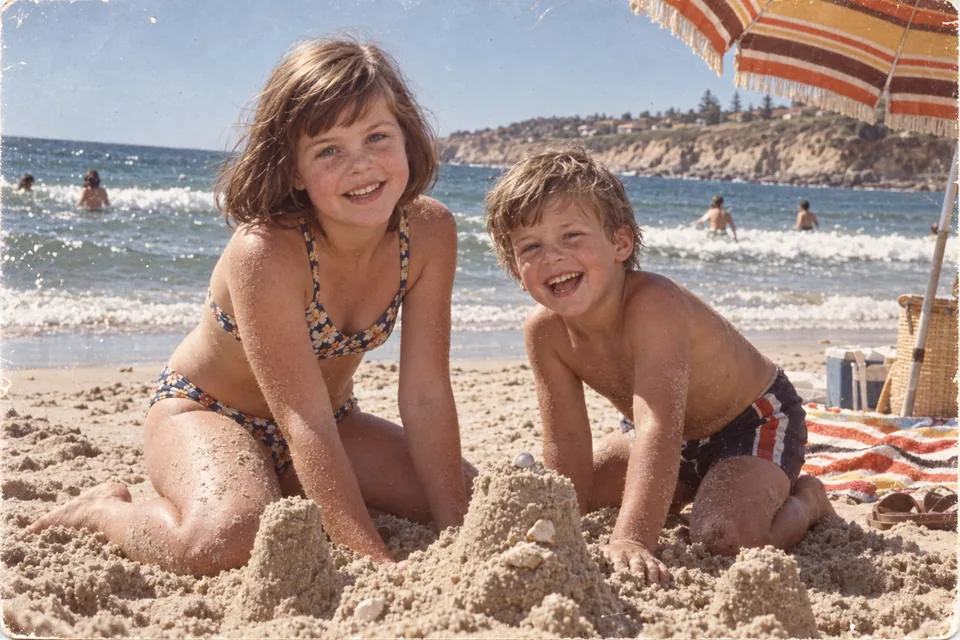
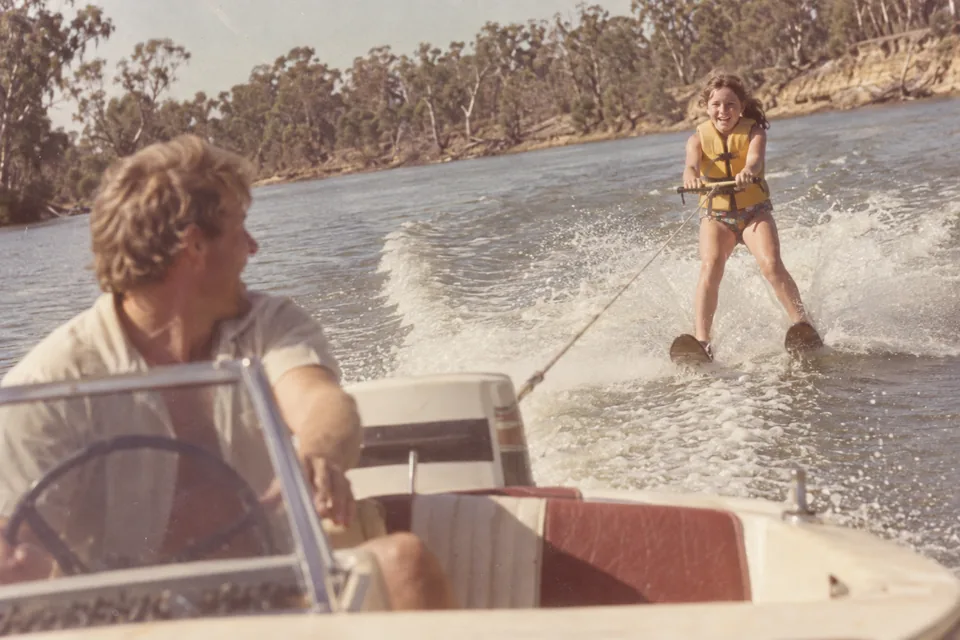
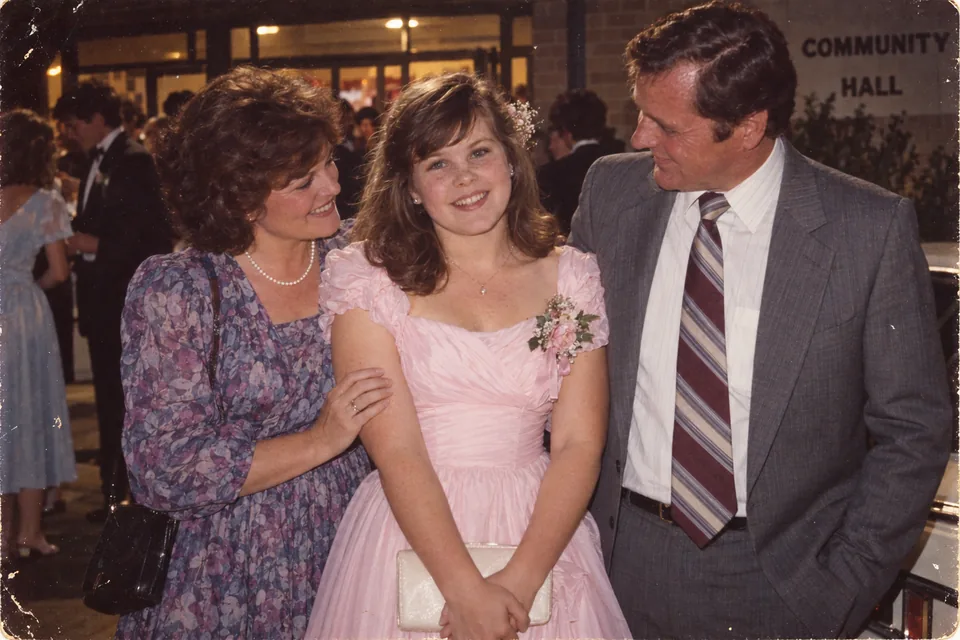
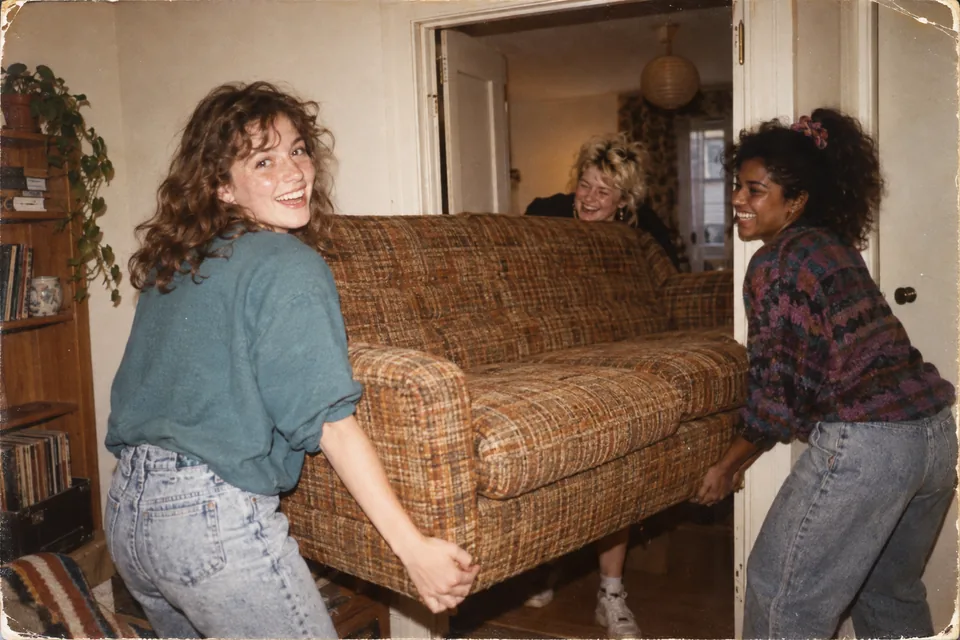
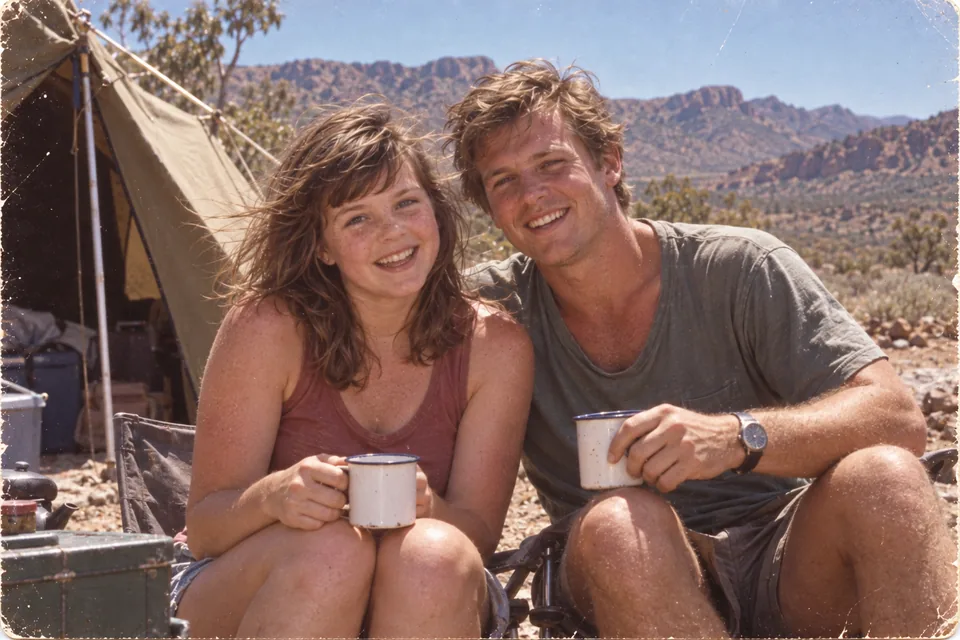
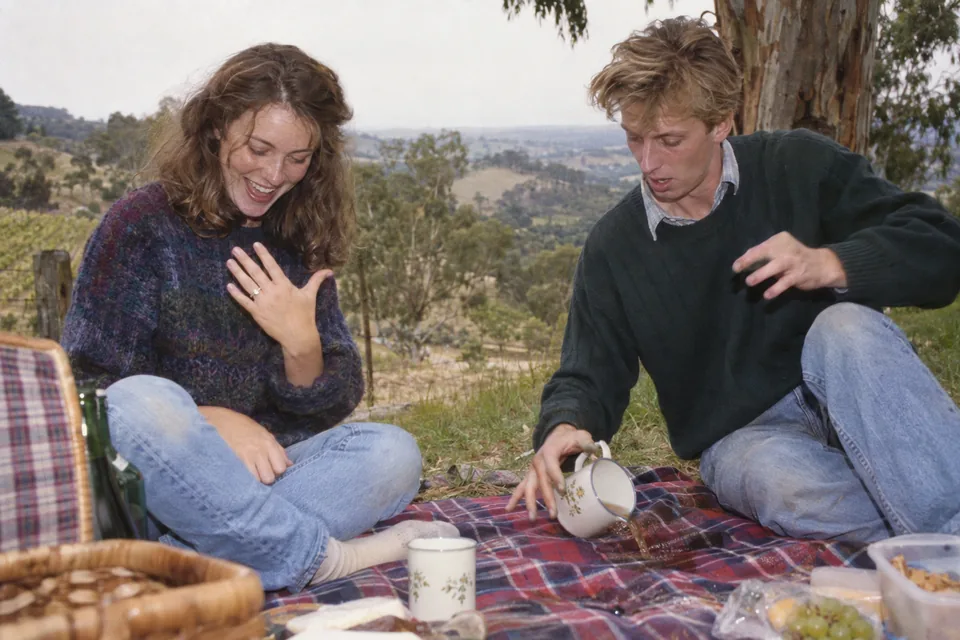
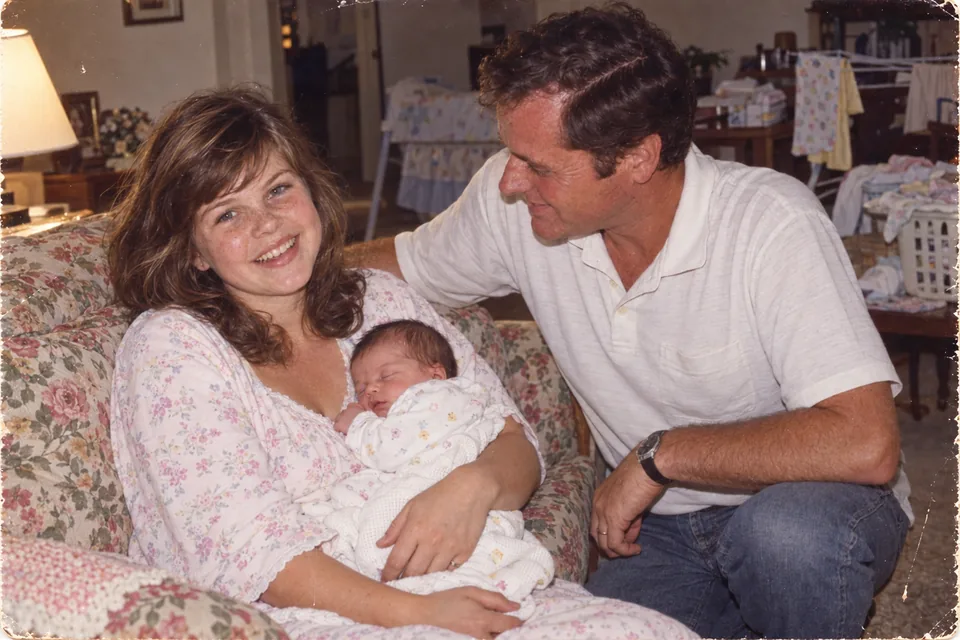
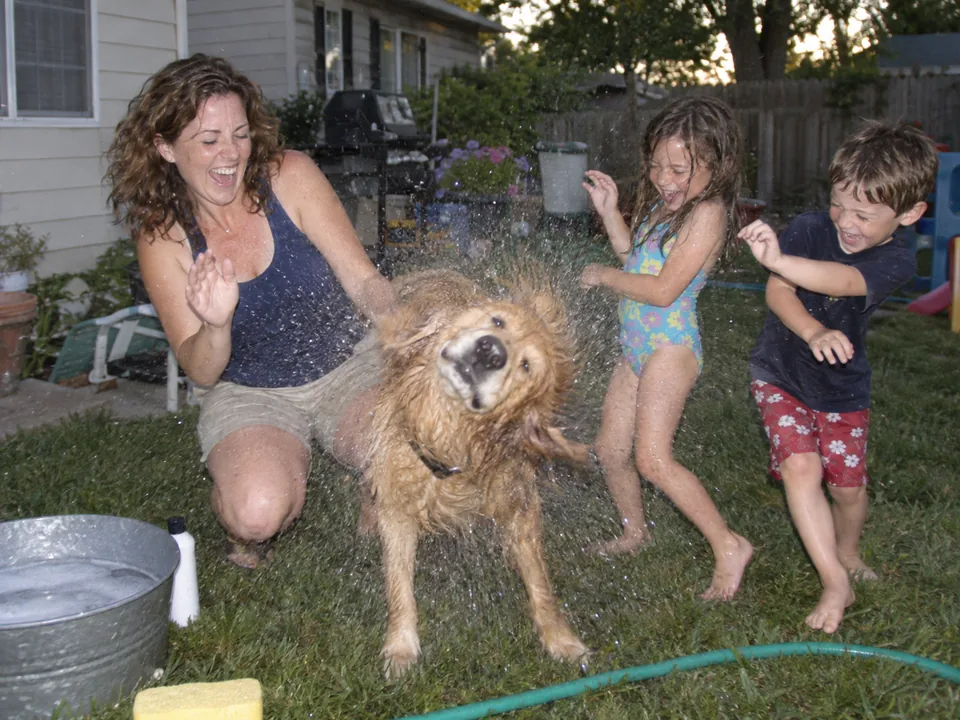
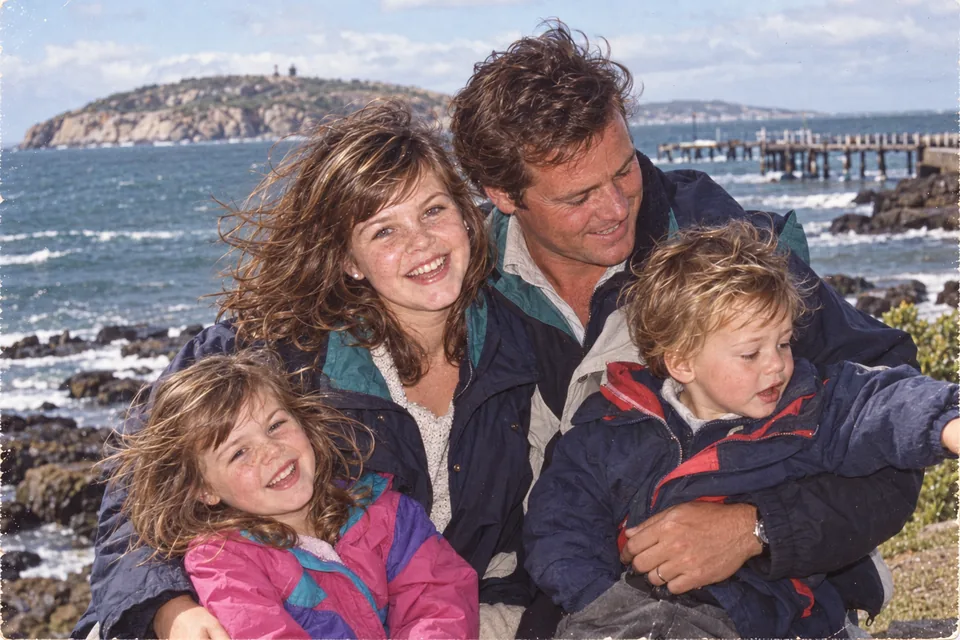
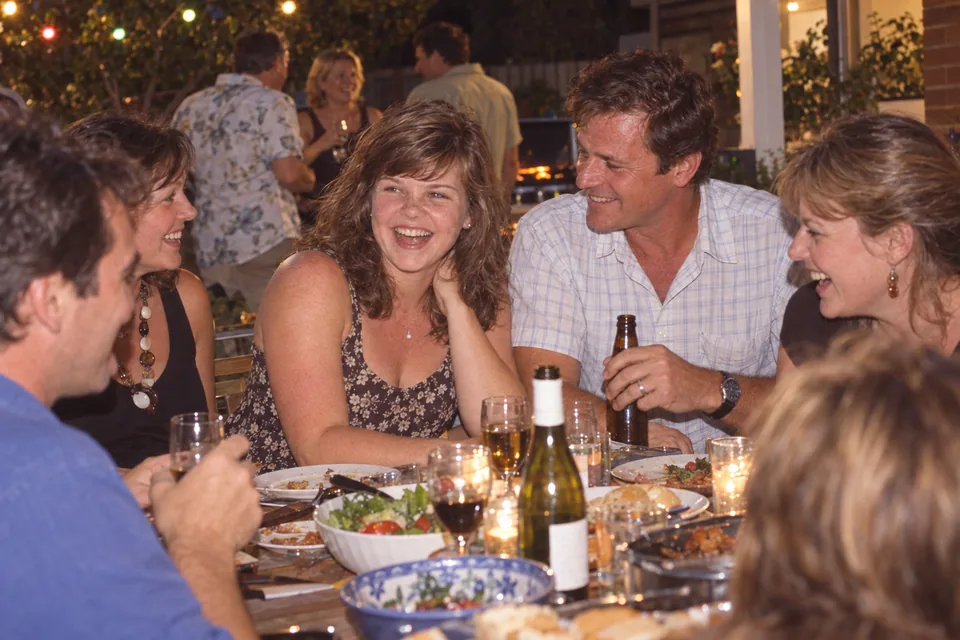
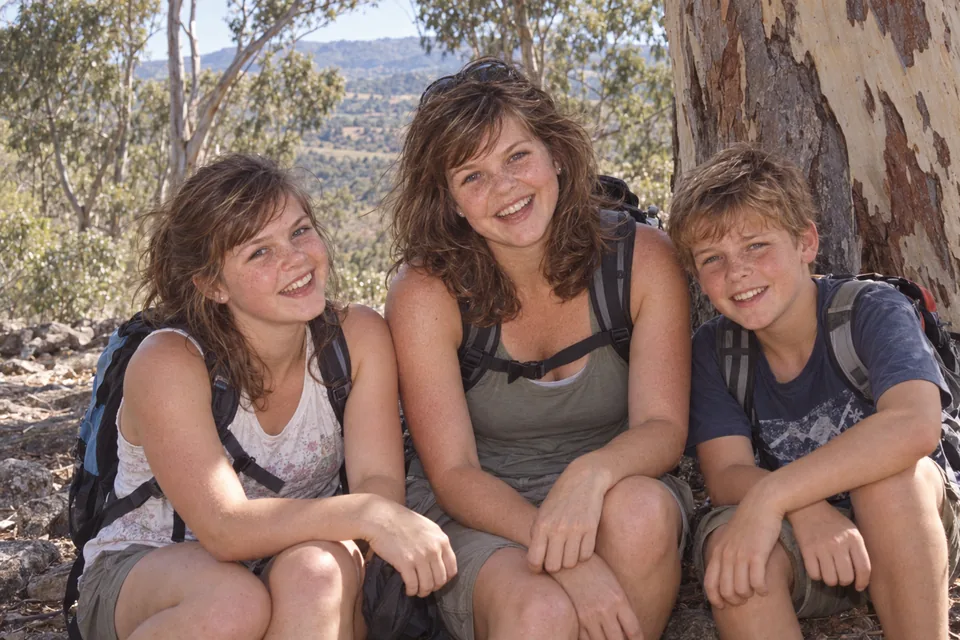
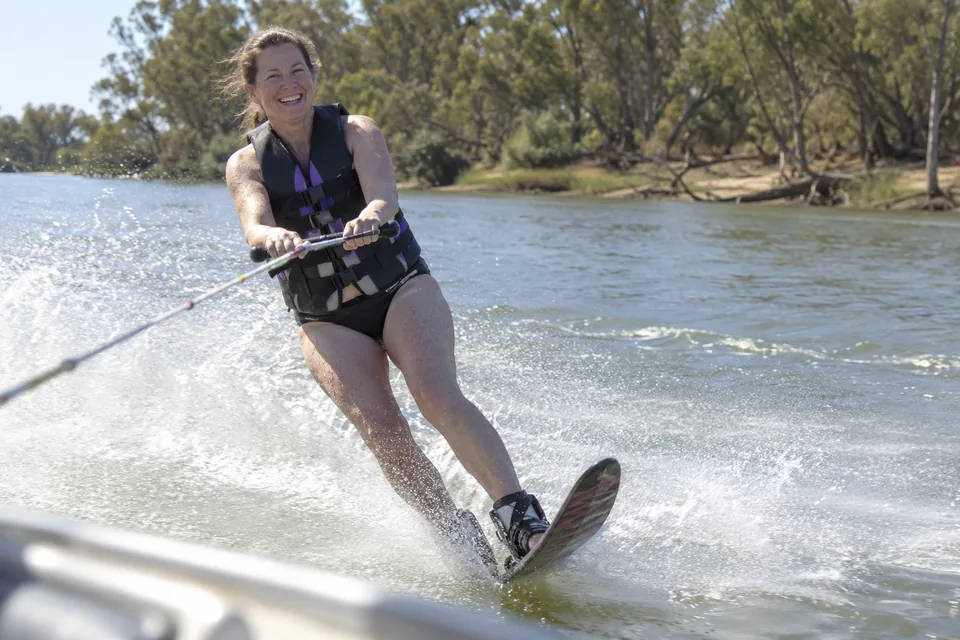
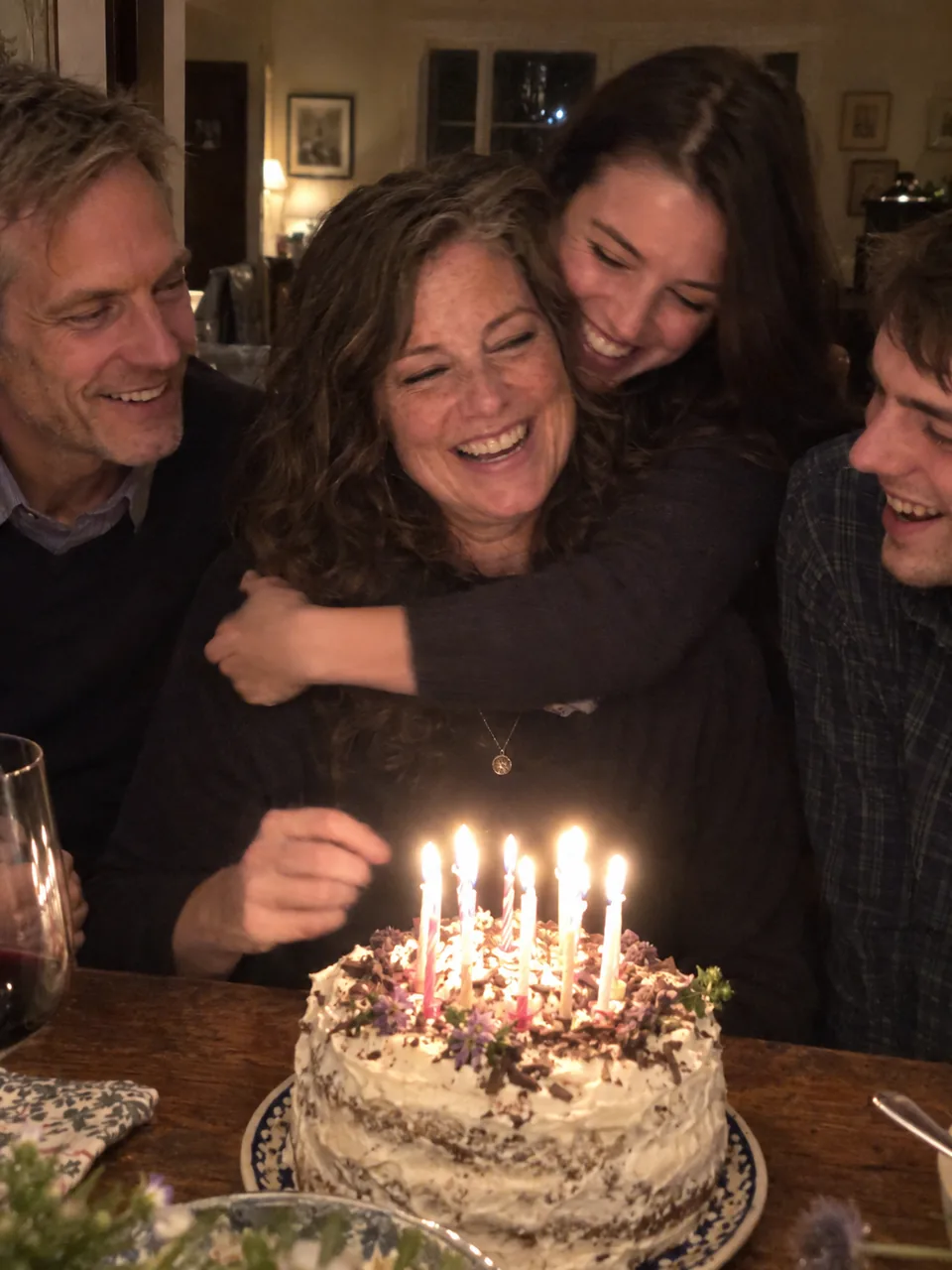
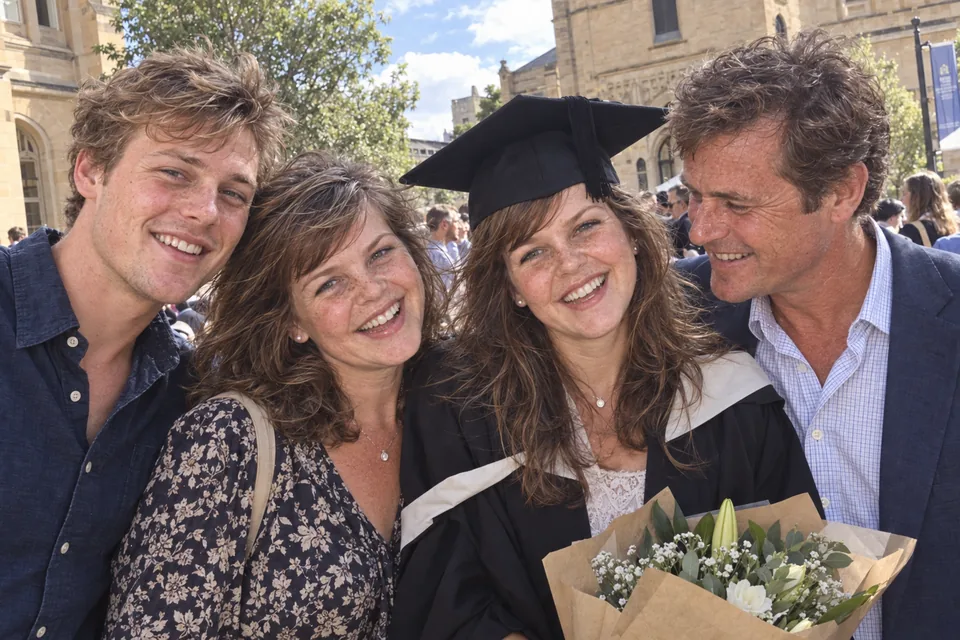
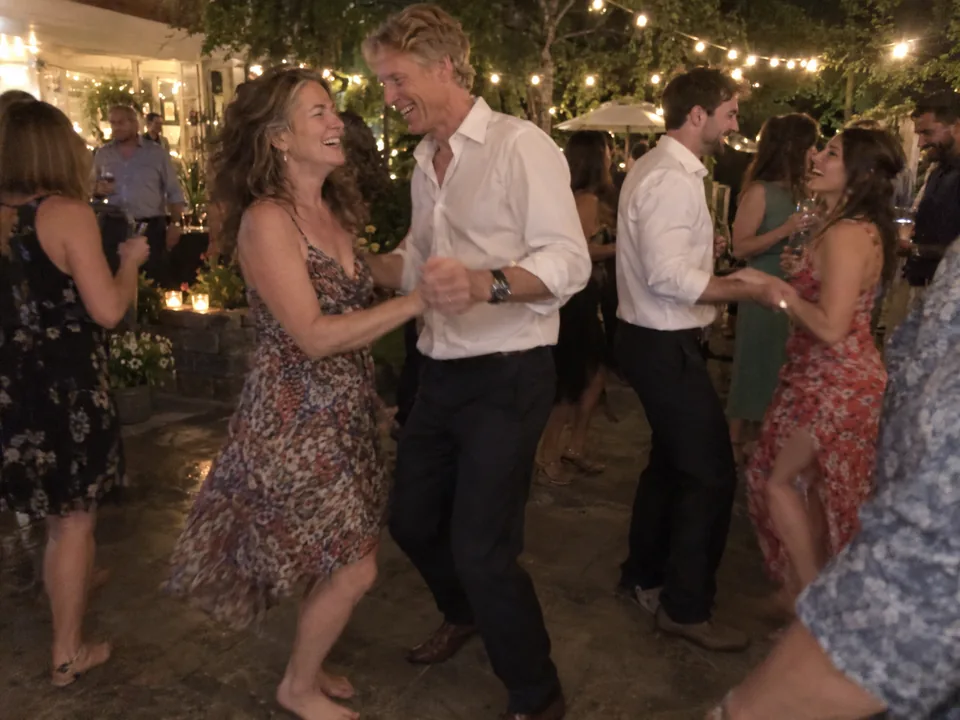
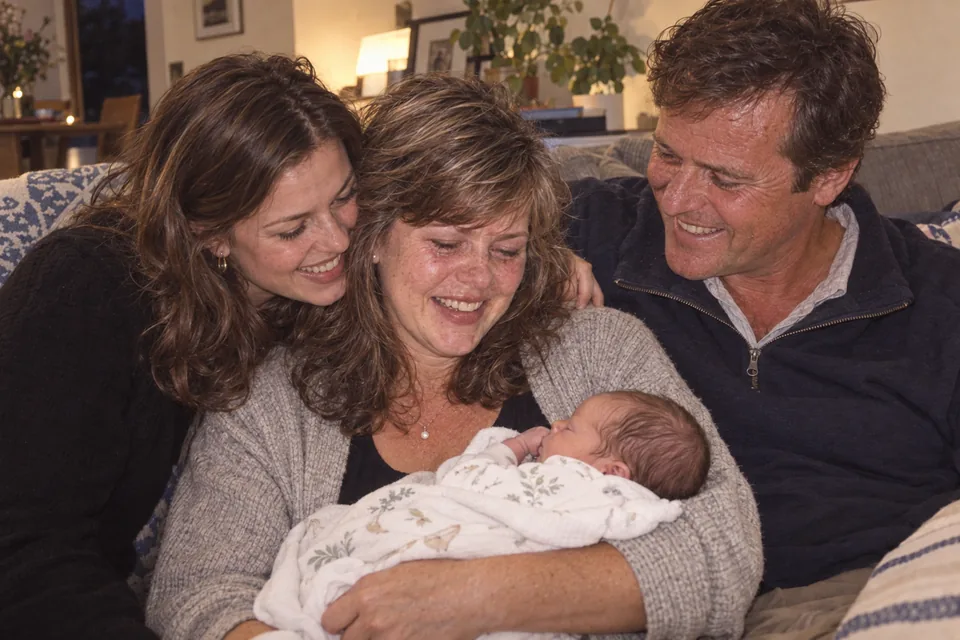
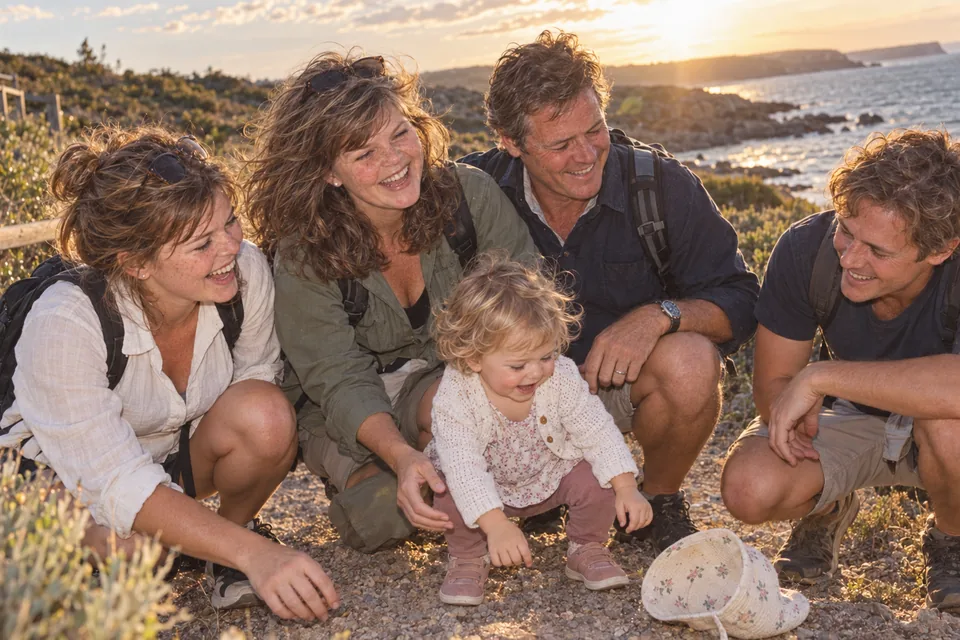
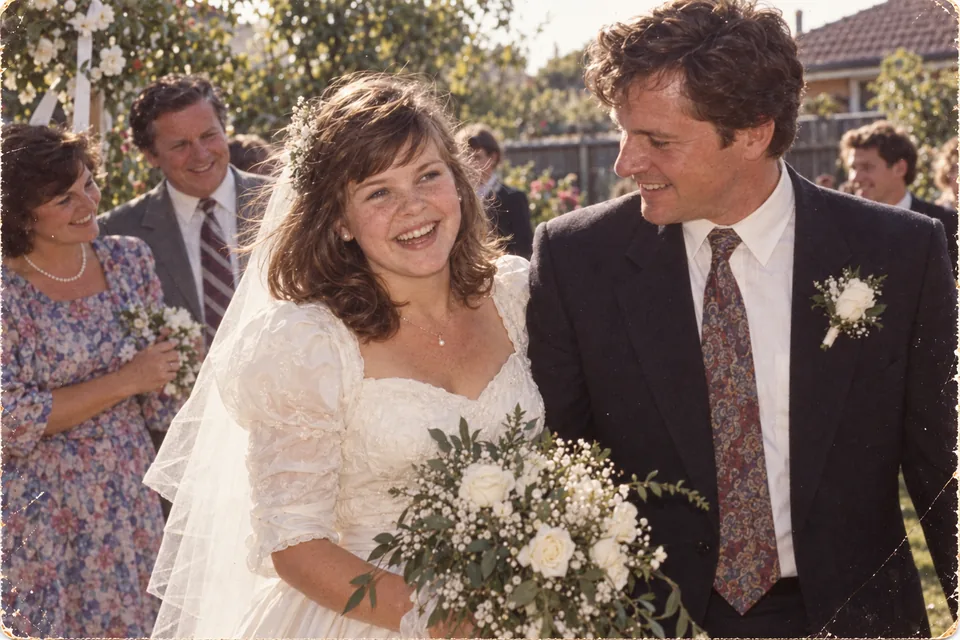
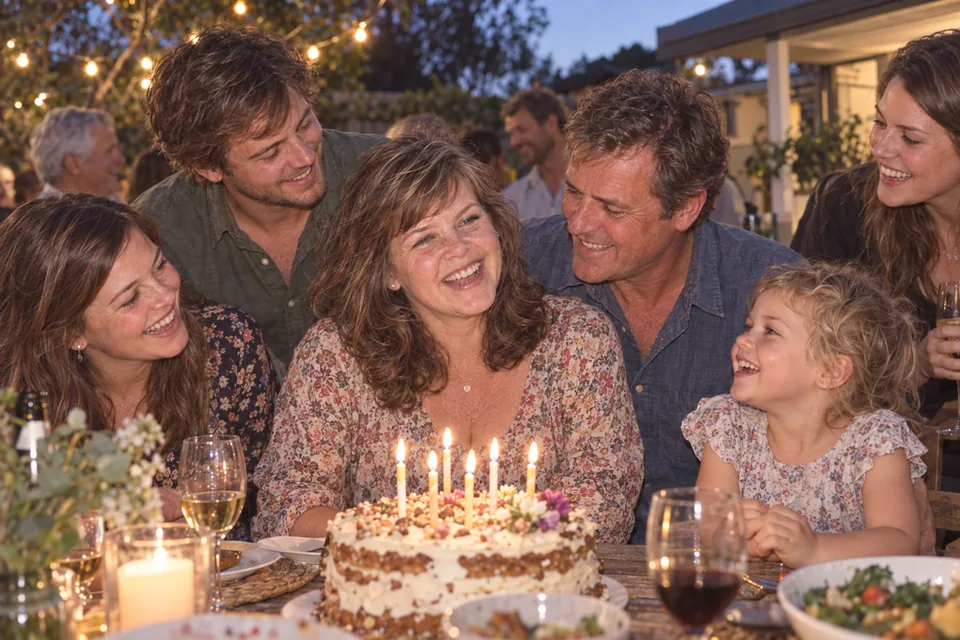
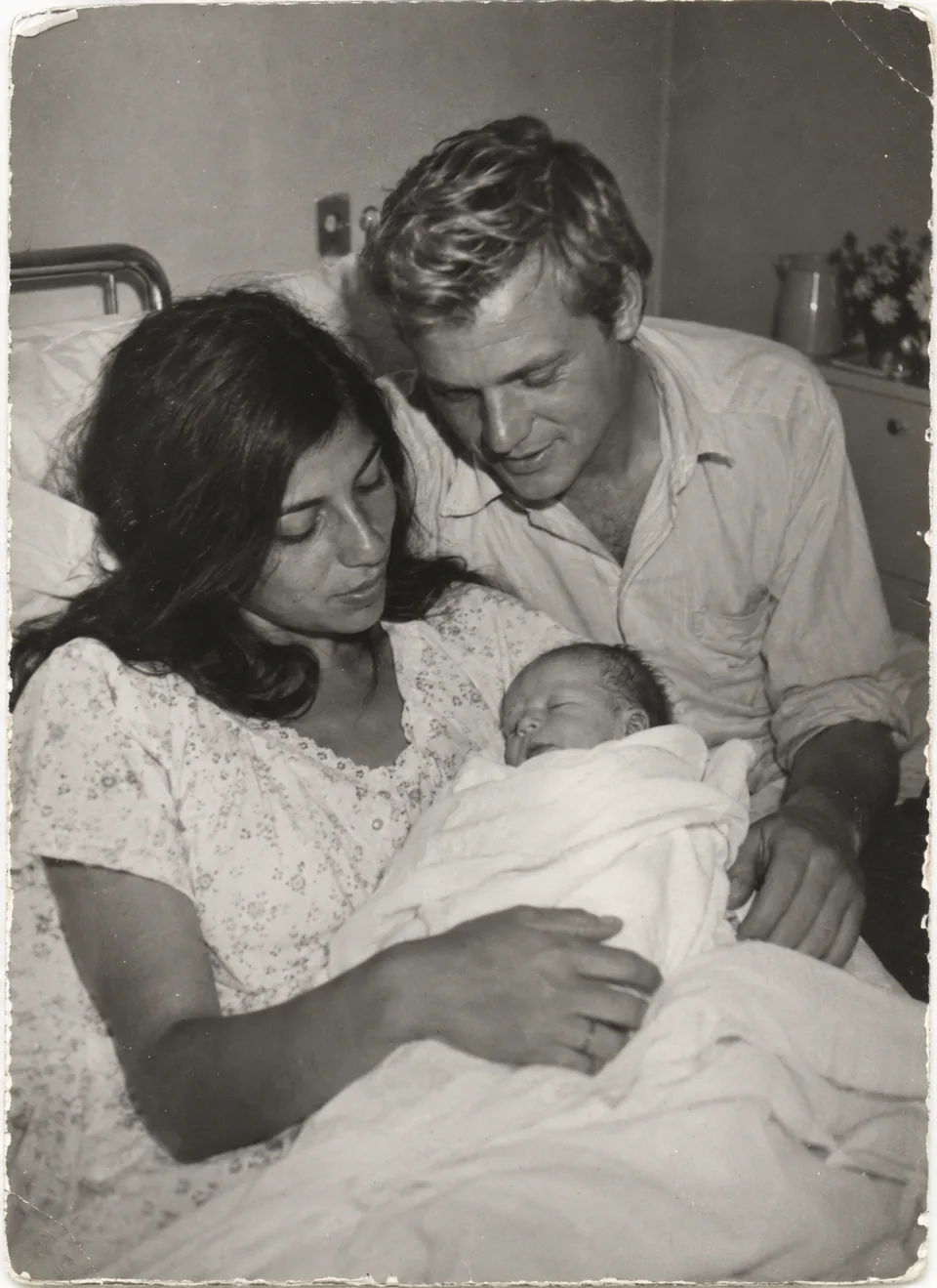
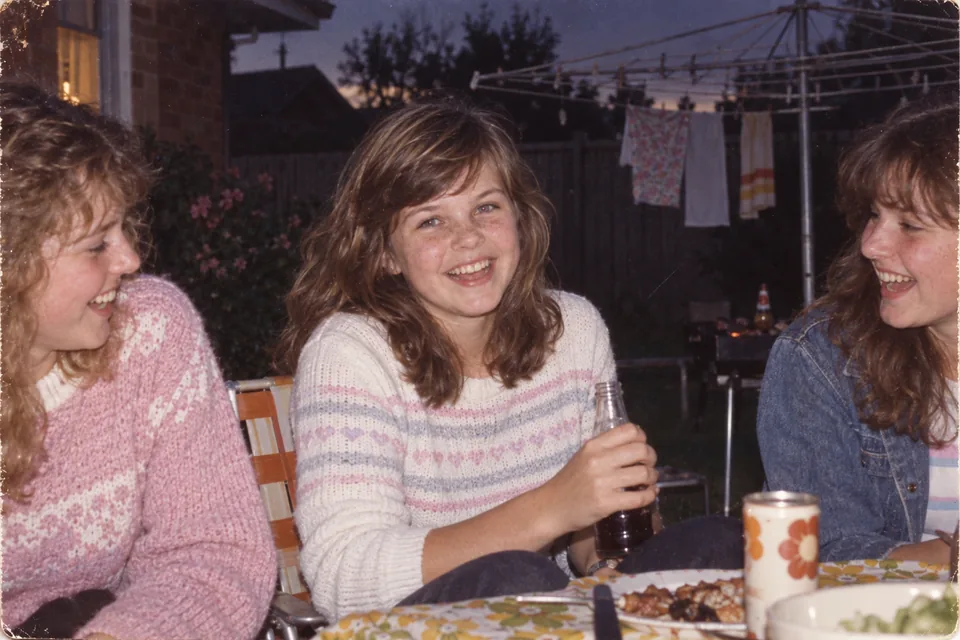
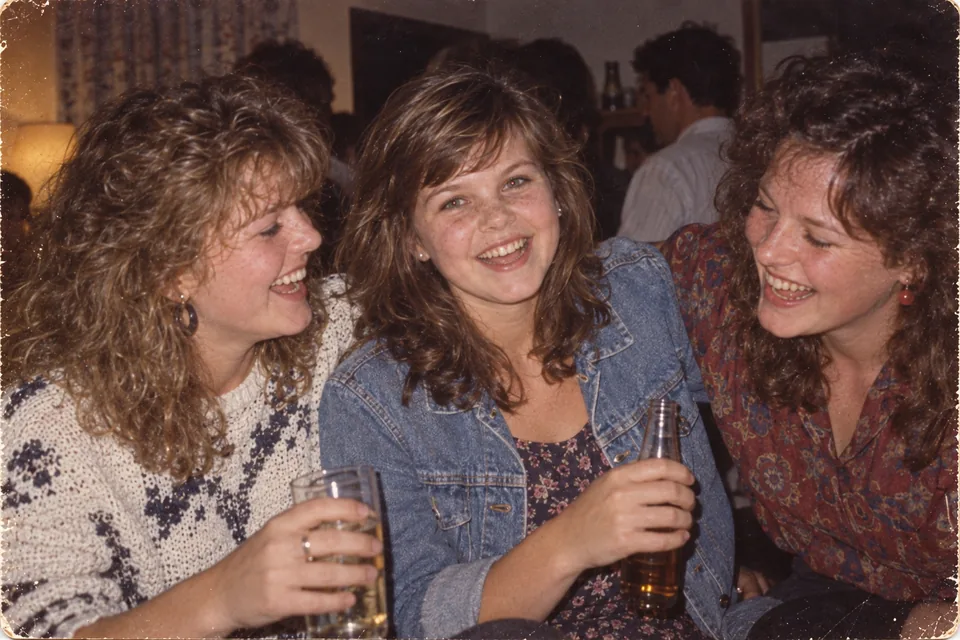
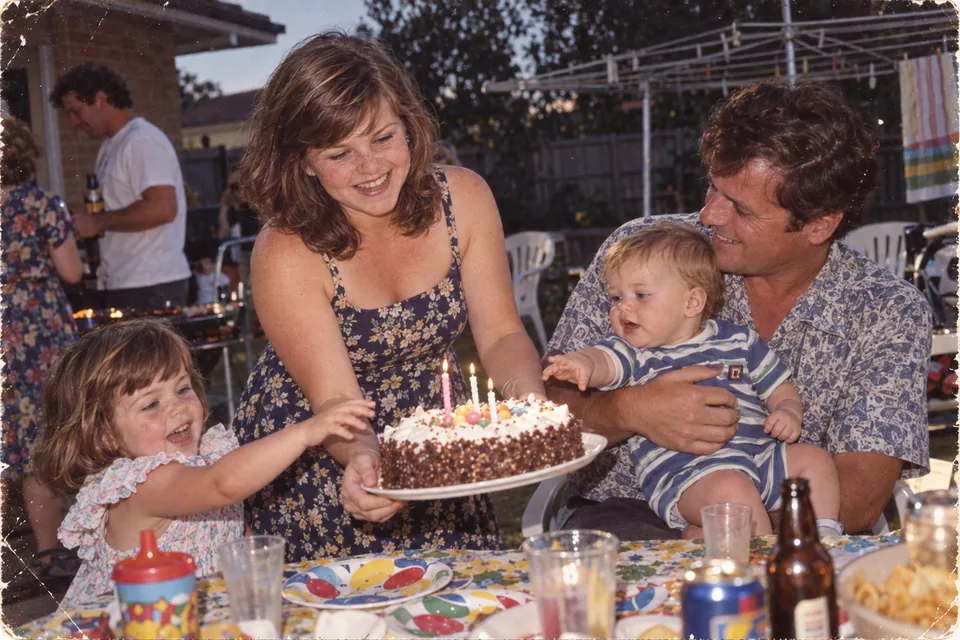
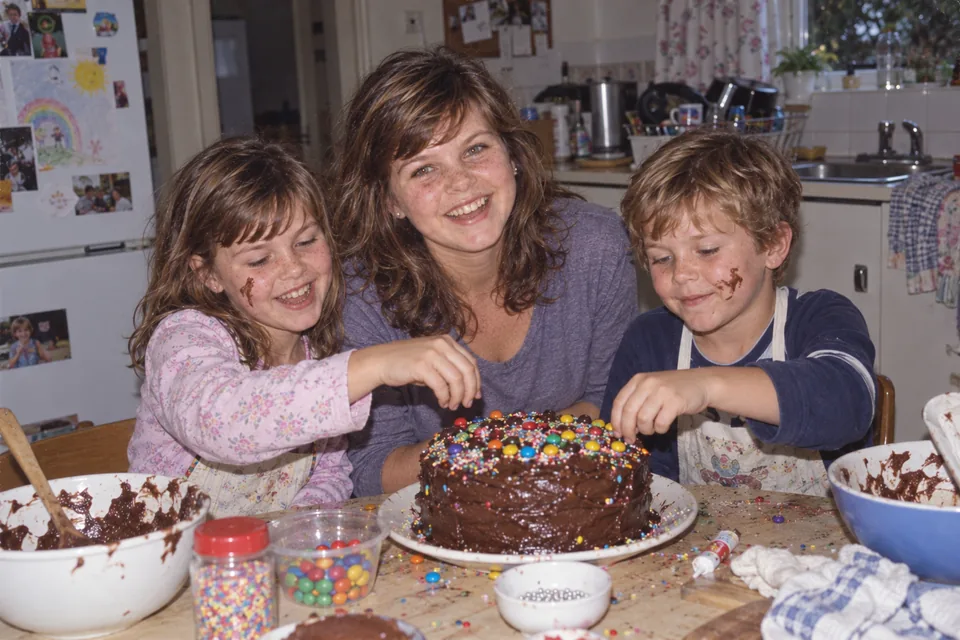
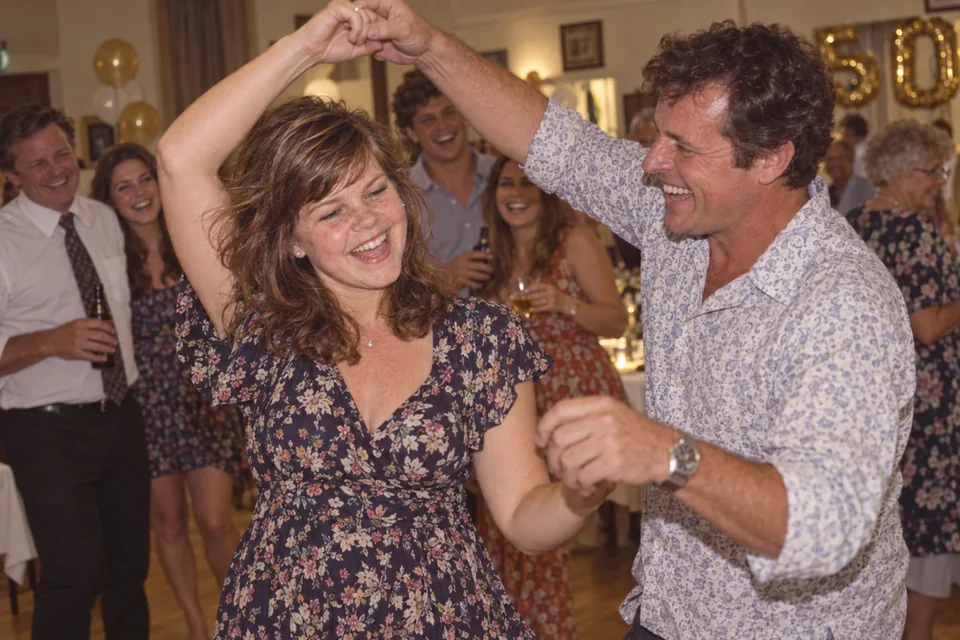
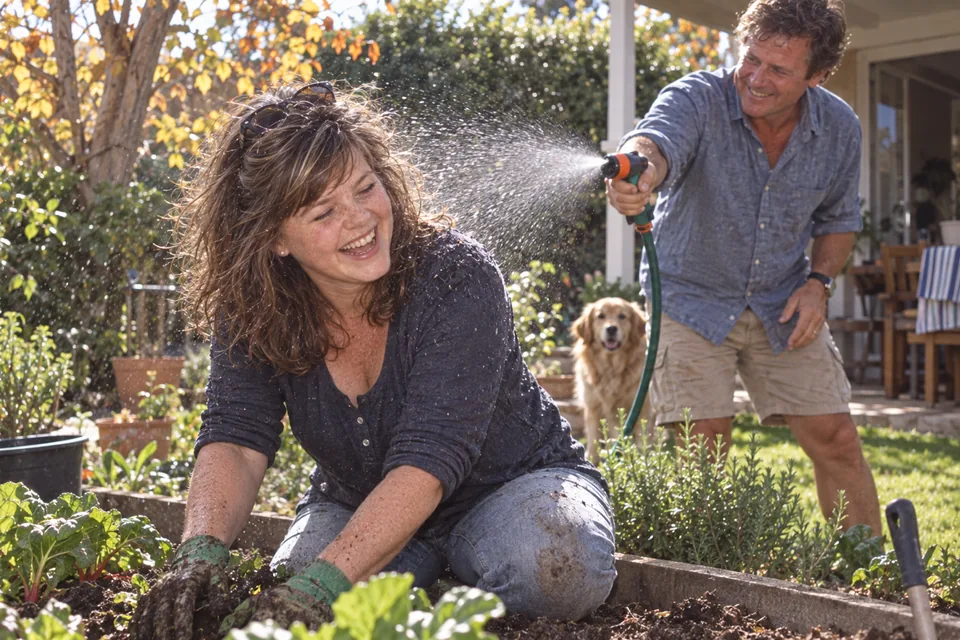
Scroll the strip. These photographs are an illustrative collection made for this page — one life from 1966 to 2026. They are not a customer’s photographs.
From scattered memories to one birthday film
The organiser starts a birthday for the person being celebrated and gets one invitation link and a join code.
Friends and family open it, add their name, and upload photos, clips and a short recorded message. No account, nothing to install.
Videmory dates what it can from the files. You add a year or an age to anything that needs one — a decade is enough. It is a small job, and it is easier on a computer: open the same birthday there, tidy the life story on a big screen, and go back to your phone.
Videmory makes the film. You watch all of it, watermarked, and pay once only if you want to keep it.
A group video gift
One invitation link, one join code. The aunt with the box of prints, the school friend on the other side of the world, the grandchild with a phone full of clips — each adds their own photos, video and message from wherever they are, and sees only what they added. The organiser sees everything and is the only person who receives the film.
A message about the wedding plays beside the wedding photographs, and the speaker’s voice carries on over the pictures that follow. They narrate the life rather than sit beside it.
Gathering everything in one place is the hard half, and it is where most collections stop. Here the gallery is only where you check the dates; what you leave with is the film.
Contributors tap a link and type a name. That is the whole of it — which is what makes the relatives who will not download anything actually take part.
The big ones, and the just-because ones
From a friend’s 30th to a grandparent’s 80th, a milestone birthday film brings together people from every chapter of a life. Each guide plans a different kind of story.
A little help getting started
Give contributors a prompt and ask them to keep it short and sweet — forty-five seconds at the very most. One specific memory, a thank-you, a wish for the next chapter. That is a birthday message worth keeping.
Introductory launch offer
The same offer for Travel and Birthday. Making the film and watching it in full are free; you pay only if you want to keep it, and there is no subscription. An additional version is the same film in another length or aspect ratio, from what everyone already added.
Introductory pricing is available for a limited time and may increase in the future. Pricing in full.
Before you begin
A birthday memory film brings photos, video clips and recorded birthday messages from friends and family into one finished film that follows the person’s life so far. It is not a slideshow you assemble by hand: Videmory puts the memories in the order they happened, plays the video as it was filmed, places the messages where they belong in the story and edits the result to music.
The organiser creates the birthday and shares one invitation link. Friends and family open the link, add their name, and upload photos, videos and a short message from a phone or computer. Videmory works out when each memory was taken, the organiser adds a year or an age where nobody is sure, and the app makes the film. You watch the complete film, with a watermark, before you pay anything.
No. The invitation link and a name are enough. Nobody installs anything and nobody creates an account. Each contributor sees only what they added themselves; the organiser sees everything.
Yes. Scan or photograph the print and add the digital copy. A scan carries the date it was scanned, not the date it was taken, so add the year, the decade or the person’s age when you know it. Our collecting guide covers scanning, dating and gathering from relatives.
Most milestone films work well with somewhere between sixty and a hundred and fifty photographs plus a handful of messages, but there is no minimum and the film simply grows with the collection. The photo-count guide shows the arithmetic.
Yes — and because everyone contributes privately from their own phone rather than in a group chat, it is easier to keep quiet. The surprise guide covers deadlines, who to tell and how to handle the reveal.
Making the film and watching the complete preview are free. Under the introductory launch offer your first finished film is AU$49 and each additional version is AU$15 — the same offer as Travel — paid once, in Australian dollars, with no subscription. Introductory pricing is available for a limited time and may increase in the future. Birthday is being tested ahead of public launch and the launch date has not been announced; contact us about availability for your celebration.
No. Everything works in a browser, so the same birthday opens on a phone, a tablet or a computer. Most people collect on their phone — that is where the photos are — and do the small amount of tidying on a computer, where the life story lays out across a proper screen and a year or an age is quicker to add. There is not much of it to do. To pick up where you left off on another device, open the invitation link or type the join code, choose “I am the organiser”, and enter the organiser PIN you were shown when you started.
Yes, and it is the fastest way to date a pile of scans. Name a file with the year, decade or age at the front — 1985 - Nan’s kitchen.jpg, Around 1985.jpg, 1980s - School.jpg, Age 27 - First flat.jpg — and Videmory offers that date as a suggestion, with the rest of the name as a suggested caption. The same goes for video files, and for a folder named “Around 1985” added whole from a computer. Camera names like IMG_1985 are ignored on purpose, and every suggestion waits for the organiser to accept it. The collecting guide has the details.
Only people with the invitation link can join, contributors see only their own uploads, and the film goes to the organiser. The organiser can delete the whole birthday at any time, which permanently erases every photo, video, message and copy of the film for everybody, including for us.
The birthday film guides
Something worth planning for
Create the birthday, send one link, and let everyone add the photos and messages only they have. Watch the whole film before you decide to buy it.
Introductory launch offer: AU$49 for your first finished film, AU$15 for each additional version. This preview links to the Birthday test app; public launch is still to be announced.
Need a hand? Contact us.