A slideshow service, by email or by post
One person gathers every photograph, sends them off, and waits the days it takes.
What is left to you: The voices of the people who knew them are not part of it.
Videmory Tribute · Funeral slideshow and tribute video
Send one private link. Family and friends add their photographs and video clips from their own phones. Videmory puts a life in order and builds a film for the service, to play at the funeral or memorial and to keep afterwards.
AU$199 for the finished film. Free to make, and to watch in full, before you decide.
Opens the Videmory Tribute app in your browser. Nothing to install.
The usual options, and what each leaves you
One person gathers every photograph, sends them off, and waits the days it takes.
What is left to you: The voices of the people who knew them are not part of it.
A template and a track, built at the kitchen table the night before.
What is left to you: The gathering, the dating and the ordering are yours, in the hardest week.
A tribute cut by an editor from the photographs you upload, in two or three days.
What is left to you: Quoted first, paid first, and capped at a number of photographs.
Videmory Tribute gives the whole family one link to add to, puts the photographs and the recorded messages in the order of the life, builds the film to the time the service allows, and lets you watch it in full before you pay AU$199. The same link works anywhere in Australia.
Made a Tribute film with us?
A few words about your tribute film help the next person decide. A person reads every one, and nothing goes on the site unless you say it may.
A finished tribute film
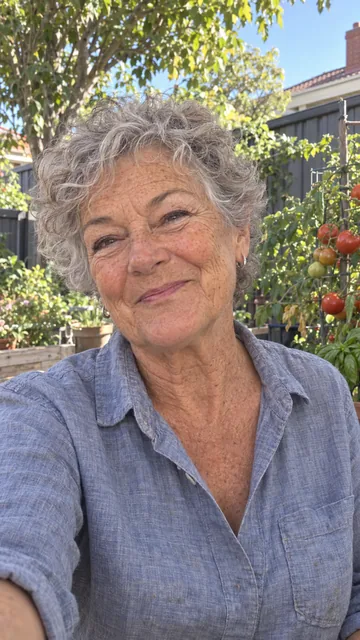
A finished Videmory Tribute, exactly as the app delivers it: eighty-eight years of photographs, home video and recorded messages from family and friends, in the order they happened.
If the job has landed on you
You don’t need editing software, and you don’t have to chase photographs by text. Start a tribute tonight, send family and friends the link, and let everyone add what they have. You see everything that comes in, and you choose what stays in the film.
For photographs on a computer, especially scanned prints, name each file with the year and then a few words: 1985 Beach at Victor Harbor.jpg. Videmory offers that year as the date and those words as the caption, so each one takes a tap to accept rather than a minute to type. Pass the tip on to anyone adding a folder of old photographs.
Ask relatives to open the link in Chrome or Safari. A link opened inside Messenger or Instagram can fail to upload.
The example
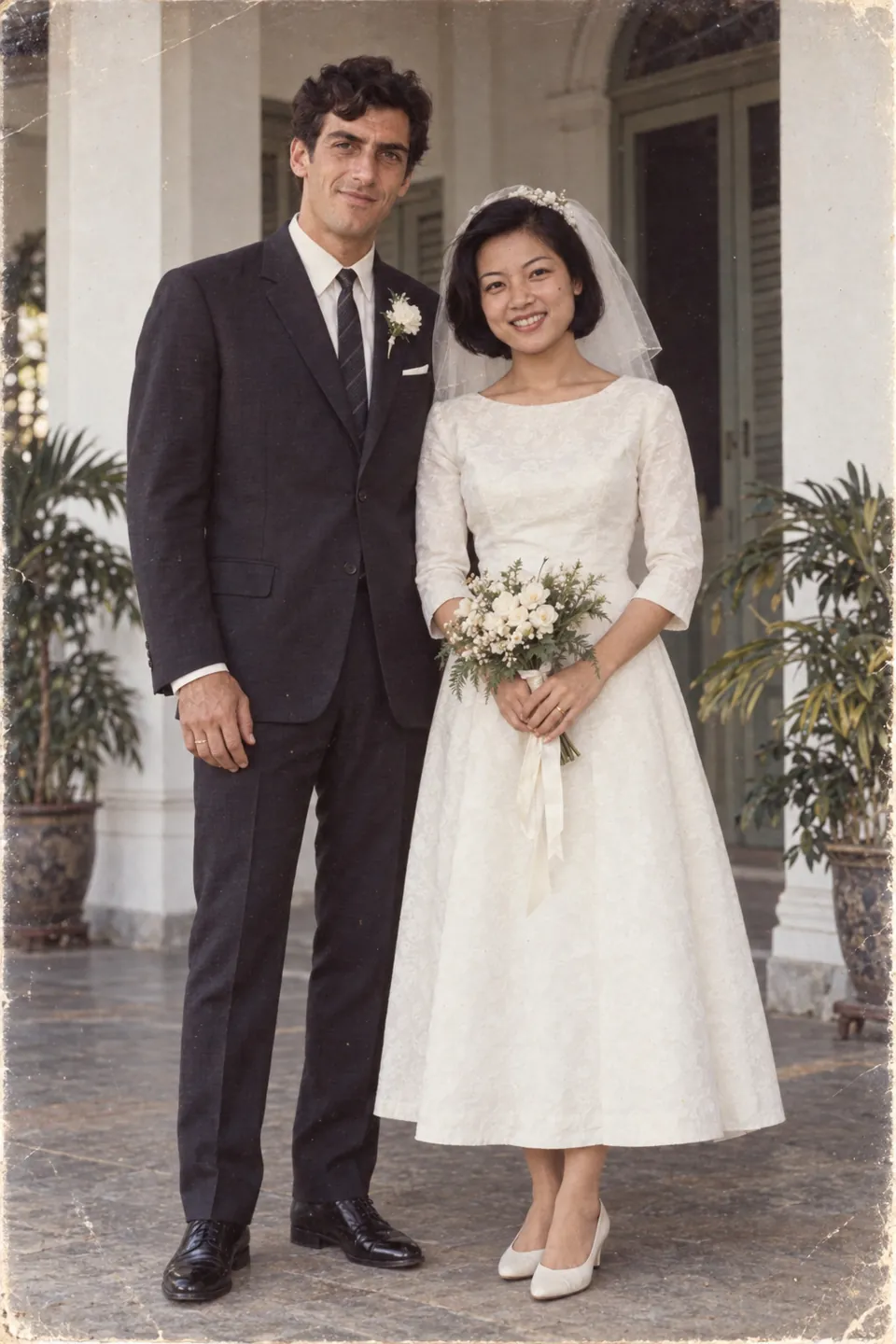
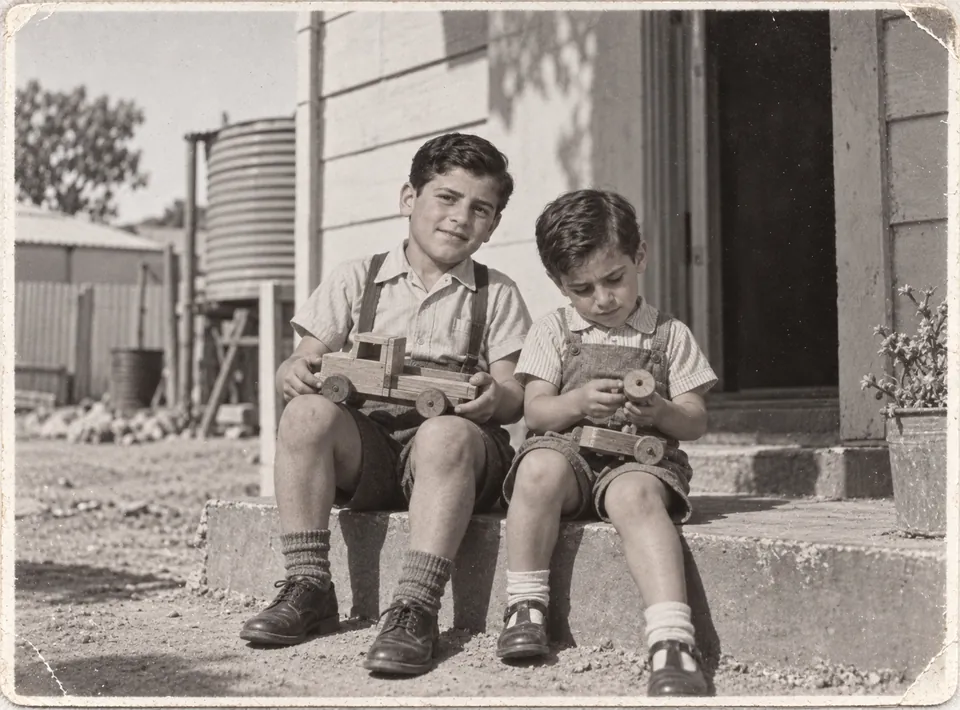
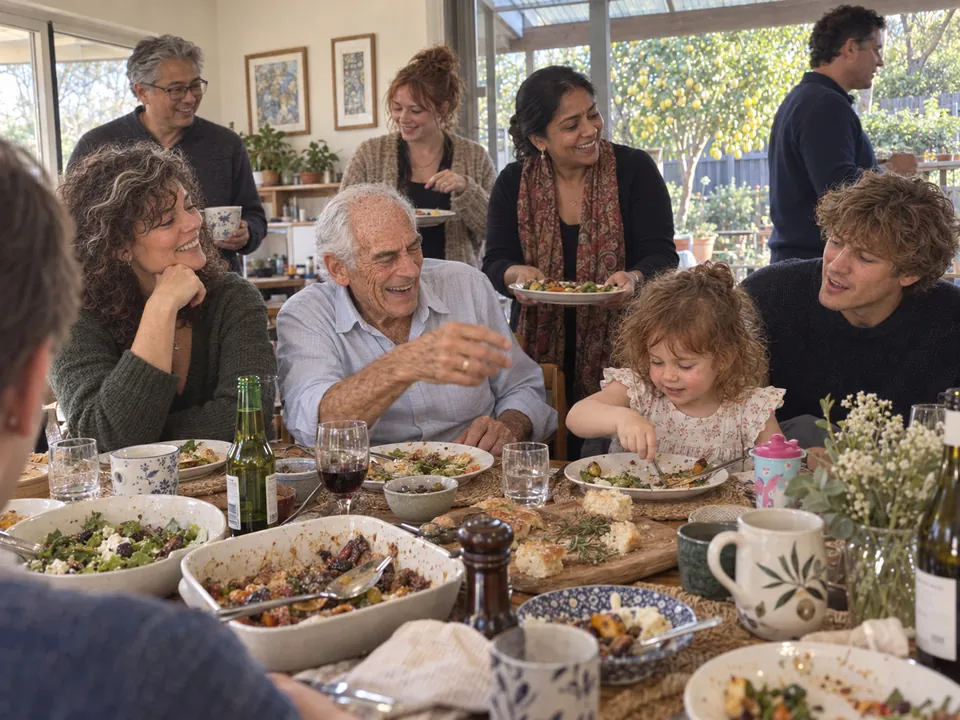
A back step in Port Pirie in 1942. A wedding in Penang in 1967. Children, grandchildren, and a Sunday lunch in 2026. A tribute film puts a life in the order it was lived, whatever order the photographs arrive in.
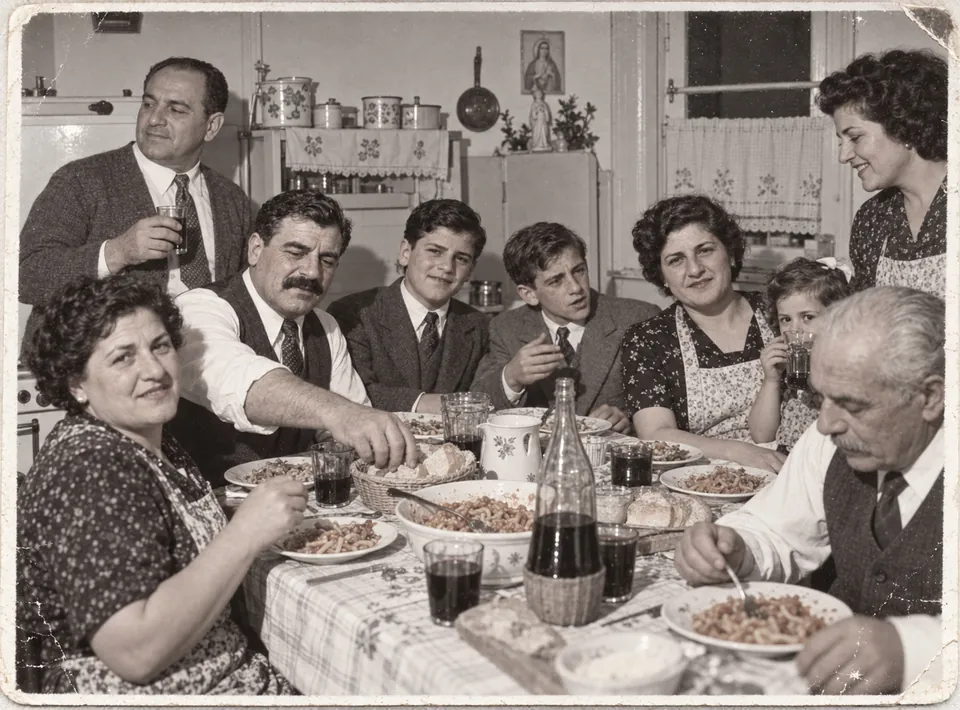
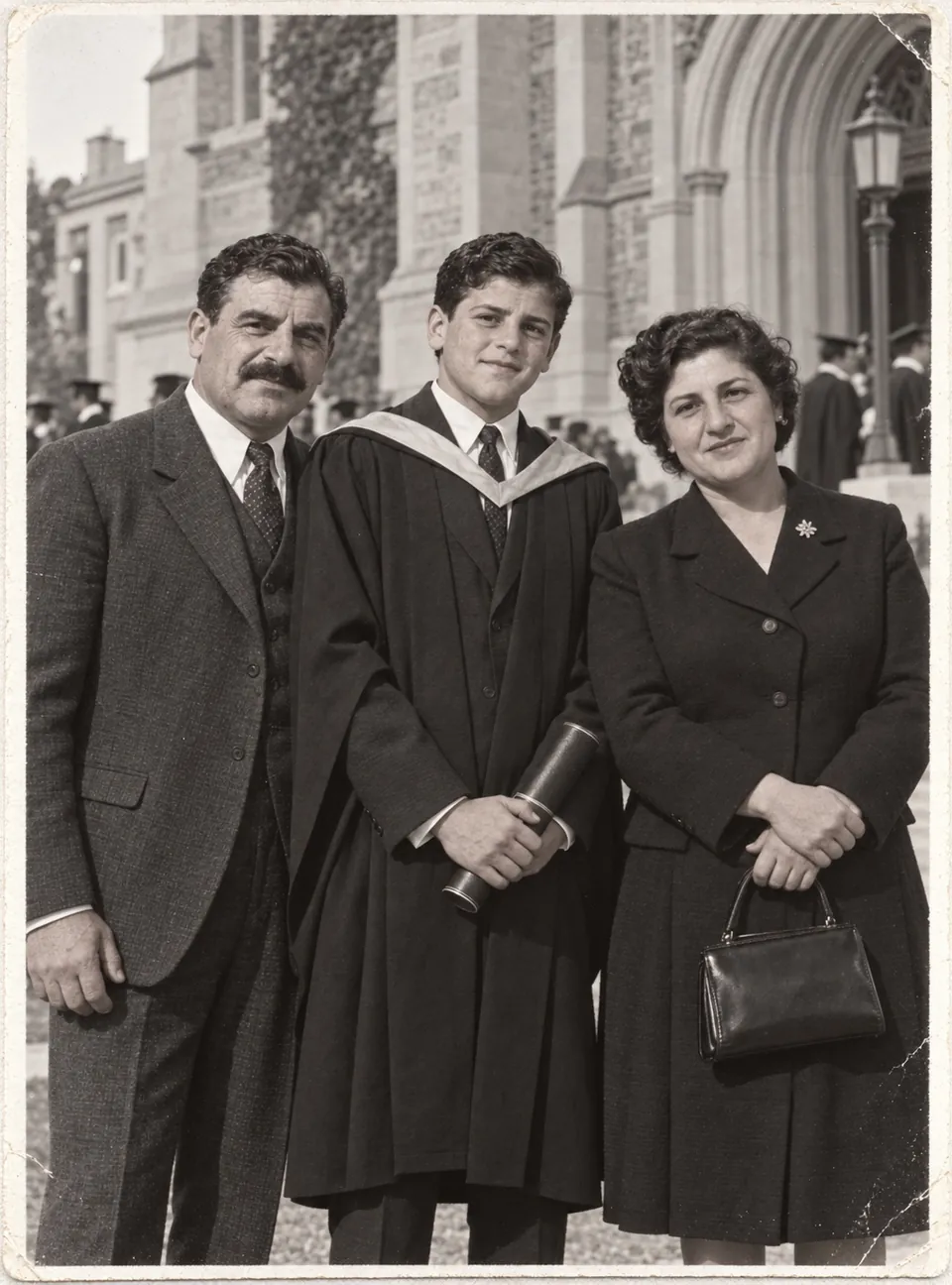
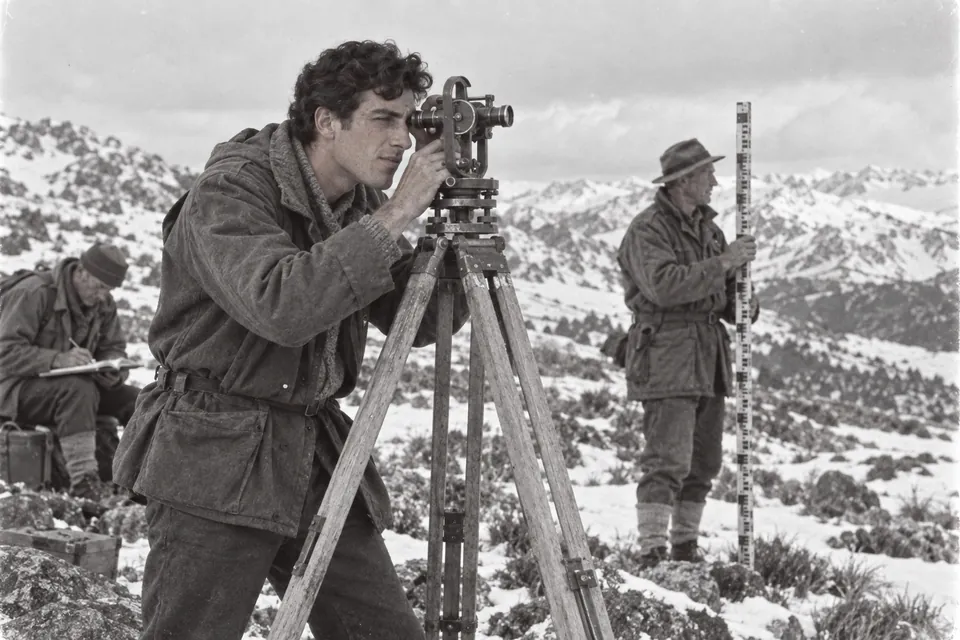
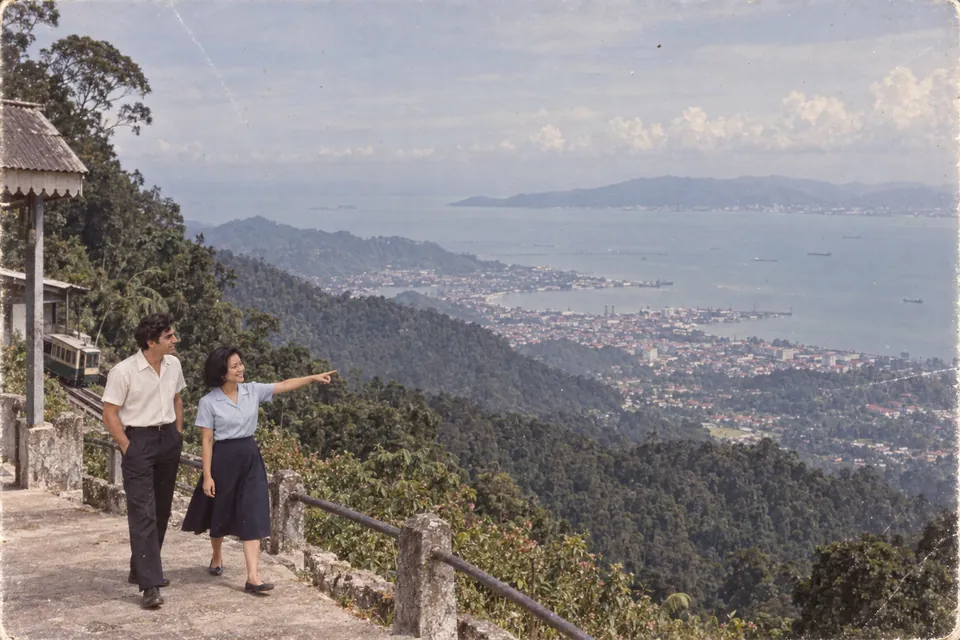
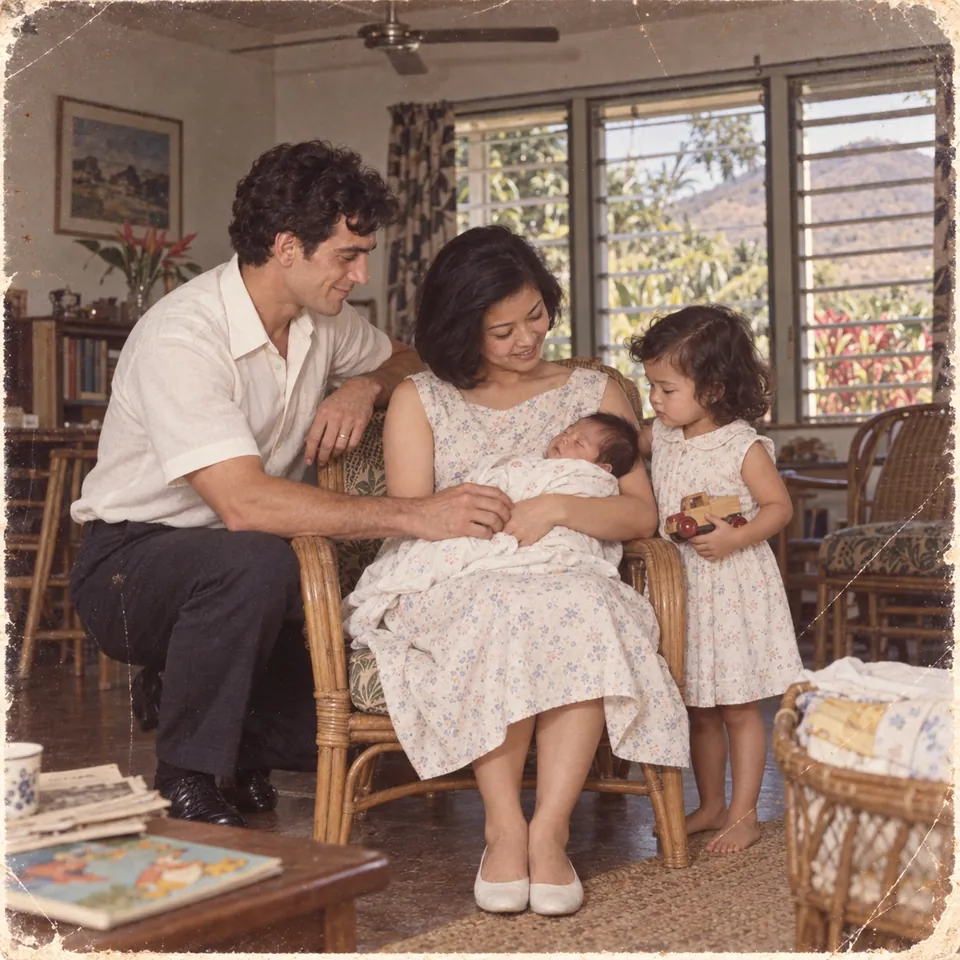
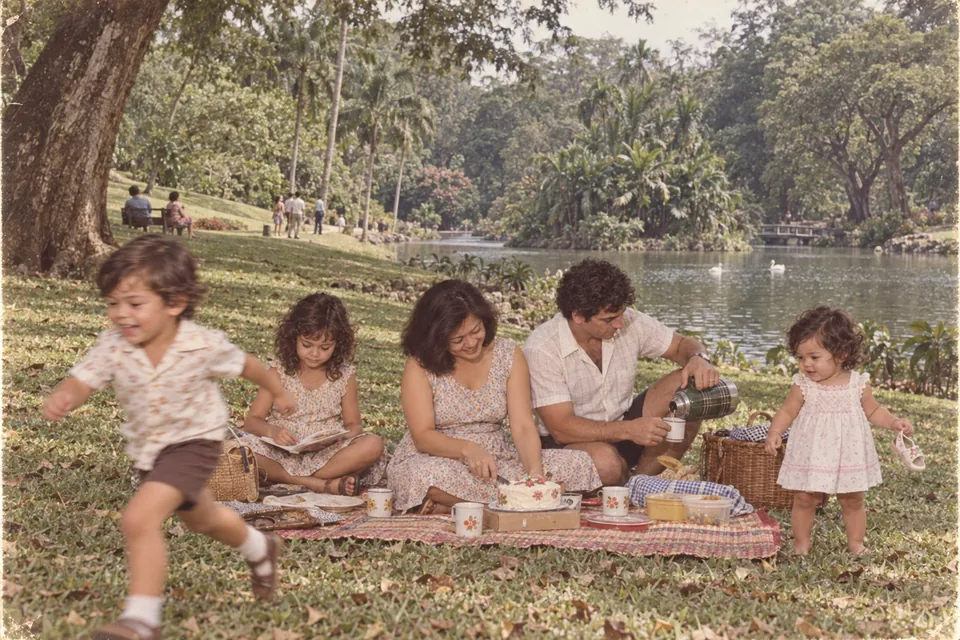
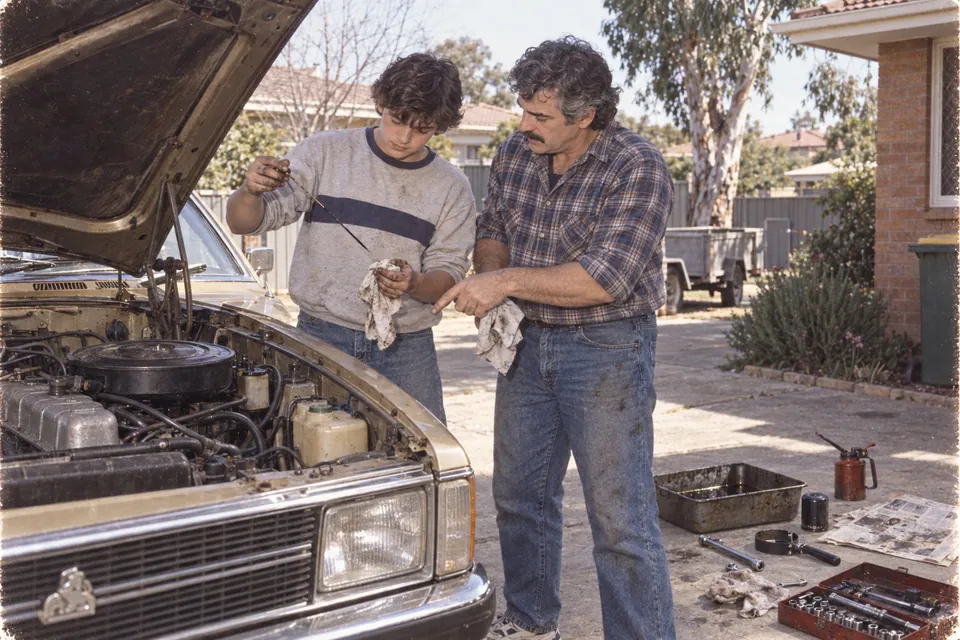
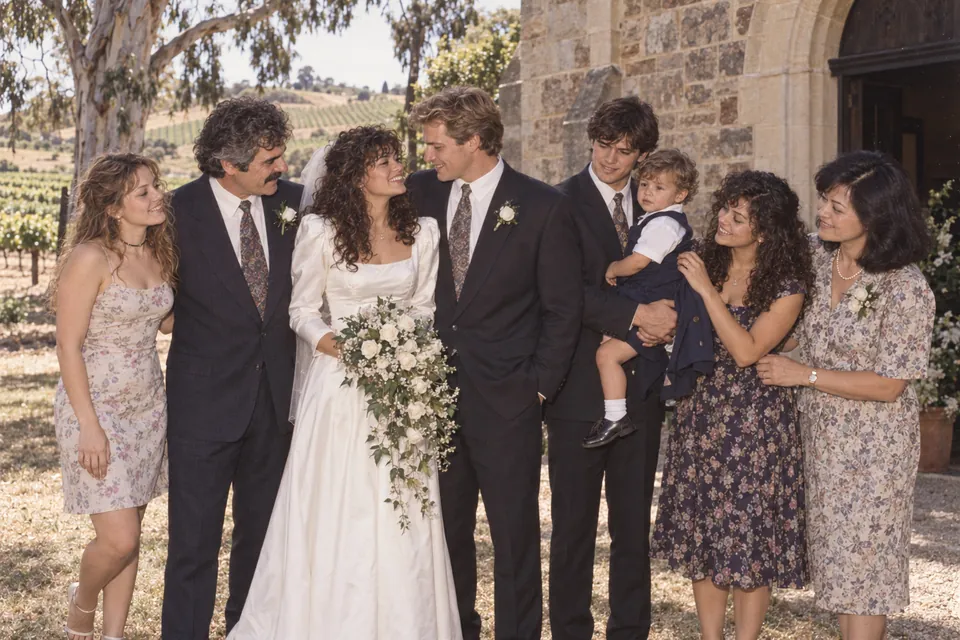
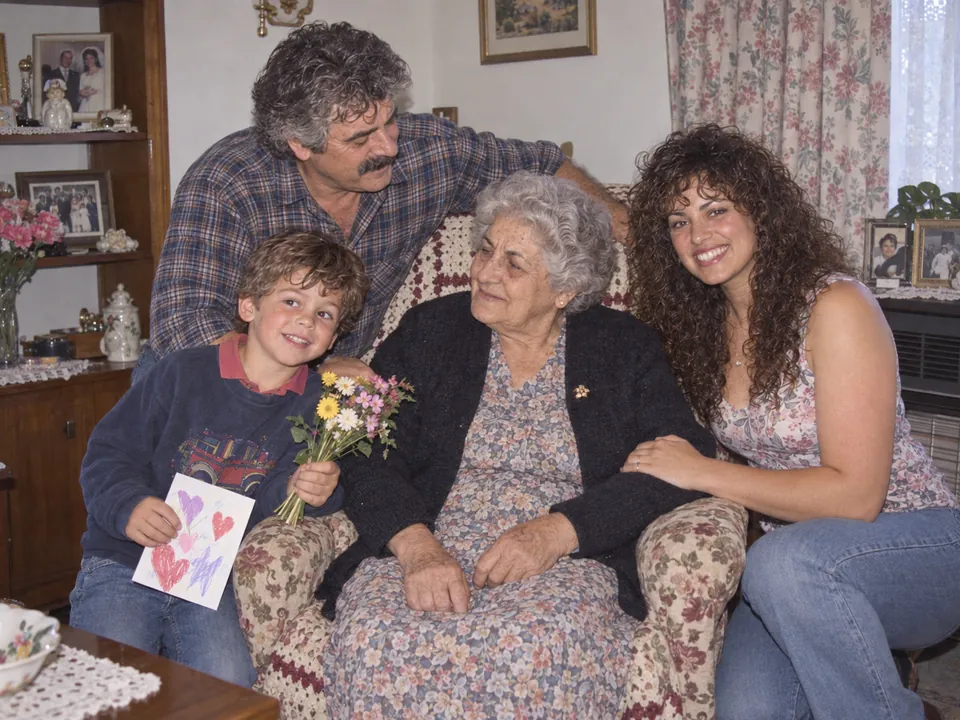
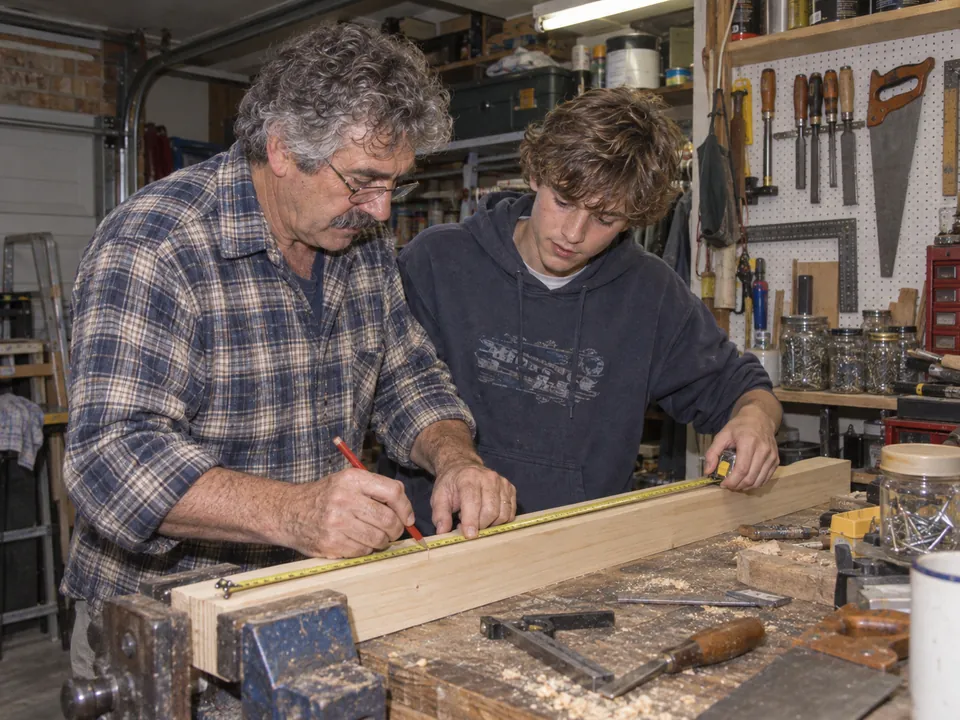


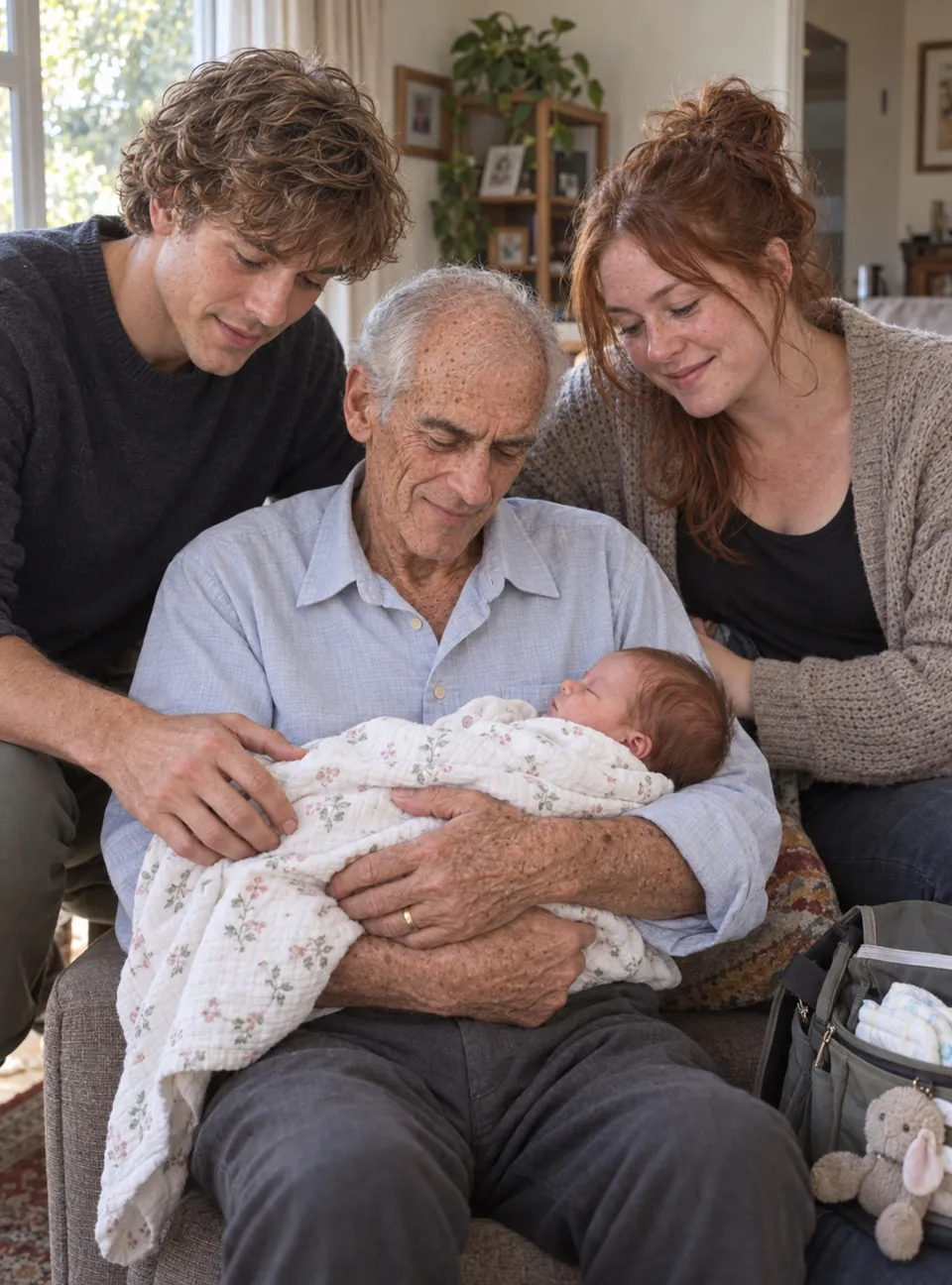
Scroll the strip. “Remembering Dave” is a fictional example made for this page. Dave Moretti is not a real person, and these are not a customer’s photographs.
The finished film
Choose by what the film is for. Each is made from the same photographs, video and messages the family gathered, and you can make more than one.
A short film for everyone to watch together during the funeral or memorial service: photographs, home-video moments, your message cards and music. Two to six minutes, or the time you are given.
A long, quiet slideshow for the background as people arrive, at the wake or the reception. Each photograph is held for 8 to 30 seconds and dissolves into the next; silent unless you add music.
The recorded messages lead: each is woven into the photographs at its place in the story, and speaks over the memories that follow.
The fuller keepsake: every photograph and home video in the order of the life, with the recorded messages gathered near the end.
The film you approve is AU$199. Each further film, or the portrait shape for phones, is AU$15. What the price includes.
How it works
Enter their name and dates, and the date of the service if you know it. You are given one private link to share, and a PIN that lets you back in as the organiser.
Add your own photographs and video, then send the link to relatives and friends. Each person adds theirs from their own phone or computer with just a name.
Videmory puts everything in order. Correct any date that is wrong, choose the kind of music and the length, and watch the whole film, free, with a watermark. Change anything and preview it again until it is right.
When you are happy with it, pay AU$199 once for that version and download it, without the watermark, to play at the service and to keep.
Family contributions
The photographs of a long life are never in one place. They are in a sister’s albums, a son’s phone, a cousin’s shoebox overseas. One link lets each of them add their own, so nobody has to chase attachments or collect USB sticks.
Funeral preparation
Work back from the service. Send the link to the family as early as you can, and aim to have the film finished the day before rather than on the morning.
Your funeral director or celebrant can tell you how long the film may run. Set that time and the film is built to it, from 30 seconds to 60 minutes.
Building the film is not instant. In our own test a film of eight and a half minutes took about twenty minutes to build, and a longer film takes longer.
Download the film as an MP4 video file in full HD. Send it ahead, take a copy on a USB stick, and ask the venue to play it through on their own equipment before the day.
How long the film runs, to the second. That it is an MP4 file in landscape shape. And that it has been played through, start to finish, on the venue’s own equipment.
Videmory makes the film. It does not record or livestream the service, and it cannot test the file on a venue’s equipment for you.
The price
One payment, in Australian dollars, when you want the finished film. Making it and watching the full preview cost nothing, and there is no subscription. Review the film before you pay: the payment buys the version you approved.
Another kind of film from the same memories, a Wake Slideshow for the gathering beside the Service Tribute, say, or the same film in portrait shape for phones: each is AU$15. Many families need only the one.
Payment is by card, through Stripe. Videmory does not see or keep your card number.
Questions families ask
There is no set number. Each file can be up to 500 MB, and everything added to one tribute can total up to 6 GB, which is room for many hundreds of photographs. Phone pictures, camera files and scans of old prints are all welcome. A long video clip is shown as a short excerpt, and you can choose which part of it to use.
Yes. You share one private link, and each person opens it on their own phone or computer, types their name and adds their photographs and video. They do not need an account or an app. Each contributor sees only what they added; you, as the organiser, see everything and choose what stays in the film. The link keeps admitting new people for 90 days, or until you turn it off.
Yes, as short video messages. A relative or friend records a message with their phone’s camera and adds it through the link like any other video. The person is shown speaking, and their name and relationship can appear on screen as they begin; then their voice carries on over the photographs. In a Shared Memories film the messages are woven through the whole life. In a Life Story they are gathered in their own part near the end, unless you give a message a date, when it plays at that point. The Service Tribute and the Wake Slideshow leave recorded messages out. Ask people to keep messages short: about 30 to 45 seconds works well. There is no audio-only recording at present.
The film follows the order of the life. Videmory reads a date from each file where there is one, and where a year is written in a file name it offers you that date to accept. You can correct any date — an exact day, a year, a decade, or the person’s age at the time — and for a photograph nobody can date, you can place it between two others. There is no free drag-and-drop ordering: the dates decide.
Yes: name the files before you add them. Put the year first, then a few words, such as “1985 Beach at Victor Harbor.jpg”, or the person’s age, such as “Age 7 - First day of school.jpg”. Videmory offers the year as the date and the words as the caption, and you accept or change each one. It helps most with scanned prints, which otherwise carry the date they were scanned. A name the camera gave a file, like IMG_4523, is ignored. A caption appears in the film only if you switch captions on.
Yes. Ask your funeral director or celebrant how long the film can run, then set that time and the film is built to that length, anywhere from 30 seconds to 60 minutes; a Service Tribute also offers two to six minutes at a touch. The Wake Slideshow has no set length: it holds each photograph for 8 to 30 seconds, as long as you choose, and runs through them all.
The music comes from Videmory’s own library and is credited at the end of the film. You can choose the kind of music and let Videmory pick a piece that fits, or choose the pieces yourself from the library and put them in order, up to eight. If it is not right, try another before you buy. A Wake Slideshow is silent unless you add music, and a Service Tribute can be made silent, for a room where you will play your own. You cannot add a commercial song to the film. If there is a song that has to be heard, ask your funeral director or celebrant about playing it at the service itself. The sound on your own video clips can be kept or muted, clip by clip; a Wake Slideshow plays them without sound.
Yes. Making the film is free, and you can watch all of it, from start to finish, before you pay anything. The preview carries a watermark and is at a lower resolution than the finished film. If something is not right, change it and build another preview first. You pay only when you want the finished film to download.
Gathering the photographs is the long part, and that depends on your family. Building the film is not instant, and we do not promise a time. As one real measurement: a film of eight and a half minutes, from about a hundred photographs, took about twenty minutes to build in our own test. A longer film takes longer, and each new preview is built afresh, so allow the same time again. Please do not leave it until the morning of the service.
Yes. Add photographs, correct dates and change the music, then build another watermarked preview. Review the film before paying so you’re happy with the version you purchase.
The film you approved: the preview you watched, without the watermark and in full HD, in the length and shape you chose. It is yours to download, keep and share. Each further film from the same memories, or the same film in portrait shape for phones, is AU$15.
You can. Change the film and build a new preview; when it is right, the changed film is AU$15, the additional-version price, not the full price again. Putting different music on the film you bought costs nothing. The film you bought stays yours to download whatever you decide. If something has gone wrong with the film itself, write to us first.
Tell us straight away. If the file is faulty, or the film you paid for differs from the preview you approved, we will fix it or supply it again at no charge, and refund you if that cannot be done. This is on top of your rights under the Australian Consumer Law, not instead of them.
Ask them to open the link in Chrome or Safari instead. A link opened inside Messenger or Instagram uses that app’s own small browser, which can fail to upload photographs and video.
Yes. You can type a caption for any memory and switch captions on for the film, and you can show the year in the corner of each photograph. Both are off unless you turn them on. A caption sits in a soft dark box, so it can be read over a bright photograph.
Yes, as message cards: a few lines of text, with the name of whoever it is from and their relationship if you want them, on a card of its own. Put one after the opening, after a particular photograph, or at the close, in any order, up to forty of them. They appear in every kind of film, the Wake Slideshow included. The cards, like the opening and closing cards, can be dark or light, and you see them before the film is built.
Yes. You can invite another person to organise the tribute with you, using a link that works once and lasts a week. They can do everything you can except pay, delete the tribute or invite other organisers.
Download the film as an MP4 video file in full HD (1080p). Most families choose the landscape shape, which suits a screen or projector. Send the file to your funeral director or the venue ahead of time, take a copy on a USB stick as well, and ask them to play it through on their own equipment before the day. Venues differ, and we cannot promise how any particular system will behave. A Wake Slideshow plays on a loop in Videmory’s own player, but a downloaded file does not repeat by itself: ask the venue to set their player to repeat. In VLC that is Playback, then Loop; most televisions have a Repeat setting in their media player; in PowerPoint it is “Loop until stopped”.
Yes. Once you have bought the film you can create a private link to share it, and choose whether people can only watch or can also download it. Anyone who has the link can open it, so send it to the people you mean it for; you can turn the link off again whenever you like. The watch page asks search engines not to list it.
Only people with your private link can add to the tribute, and each of them sees only their own uploads. You see everything, and your organiser access is protected by a PIN. The film goes to you; other people see it only if you share it. Our privacy page explains how Videmory handles what you upload.
Videmory does not set an expiry date on a tribute: the photographs, video and films stay until you delete them. As the organiser you can delete the whole tribute at any time, which removes everything in it for everybody. We still suggest you download the film and keep your own copy.
No. Videmory makes the tribute film that is played during the service. It does not record or livestream a funeral, and nobody from Videmory attends. Your funeral director can advise you about those.
Send us a message, or write to support@videmory.com.au. Every message is read by a person. If it is about a tribute you have already started, tell us the name on it and the date of the service.
Start with whatever you have. The family can keep adding, and you will see the whole film before you pay anything.
Need a hand? Contact us. Arranging funerals yourself? For funeral directors and celebrants.